
A moving LED installation may open with one approved sequence, then need a different effect for a product launch, seasonal campaign or new exhibition. Can the owner change the movement, or is the screen limited to the demonstration supplied at purchase? Some systems support editable motion programs and multiple approved sequences. The changes available depend on the mechanism, control software, operator permissions and installed configuration. Changing kinetic LED screen motion also differs from uploading a new video. A revised sequence may affect when screen faces become visible, how moving sections interact, and which parts of the installation need to remain clear. Before buying, establish what your team can change, what requires supplier assistance, and how updates will be tested.
What Can Change in a Kinetic LED Screen Motion Program?
A kinetic display has a physical range of movement. Software can organize supported actions within that range, but it cannot create a movement the hardware was never designed to perform. For a kinetic LED display, distinguish the movement format from the sequence used to operate it. Rotation and forward-and-back movement create different effects and need different control arrangements. Depending on the selected system, an approved update might change the order of actions, timing, pause duration or coordination between units. Other changes may require a new technical assessment.
| Requested change | What needs confirmation |
|---|---|
| Select another supplied sequence | Operator access and the correct paired video |
| Change a pause or sequence timing | Editing permissions, supported settings and content timing |
| Coordinate several displays | Control architecture, addressing and synchronization |
| Increase movement speed | Mechanical limits, approved settings and site conditions |
| Extend travel or add a new movement type | Hardware capability and engineering review |
Ask the supplier to demonstrate the editing functions included in the quotation. A description such as “programmable” should be supported by a clear explanation of the delivered capability.
Motion Editing and Video Replacement Are Different Tasks
A new advertising video may fit an existing sequence, but you need to check. The image can become difficult to read when a screen turns away or separates into a different formation. For example, a product reveal might require a recognizable image to appear when the display faces the main audience. If the video reaches that moment too early, the mechanism may still be moving into position. A revised motion program can create the opposite problem: the screen reaches its presentation position before the intended image appears.
Before approving an update, identify:
- Which motion sequence the video uses.
- The position of each visible screen face.
- When important images or short messages appear.
- How the sequence starts, repeats and ends.
- Which video and motion files belong together.
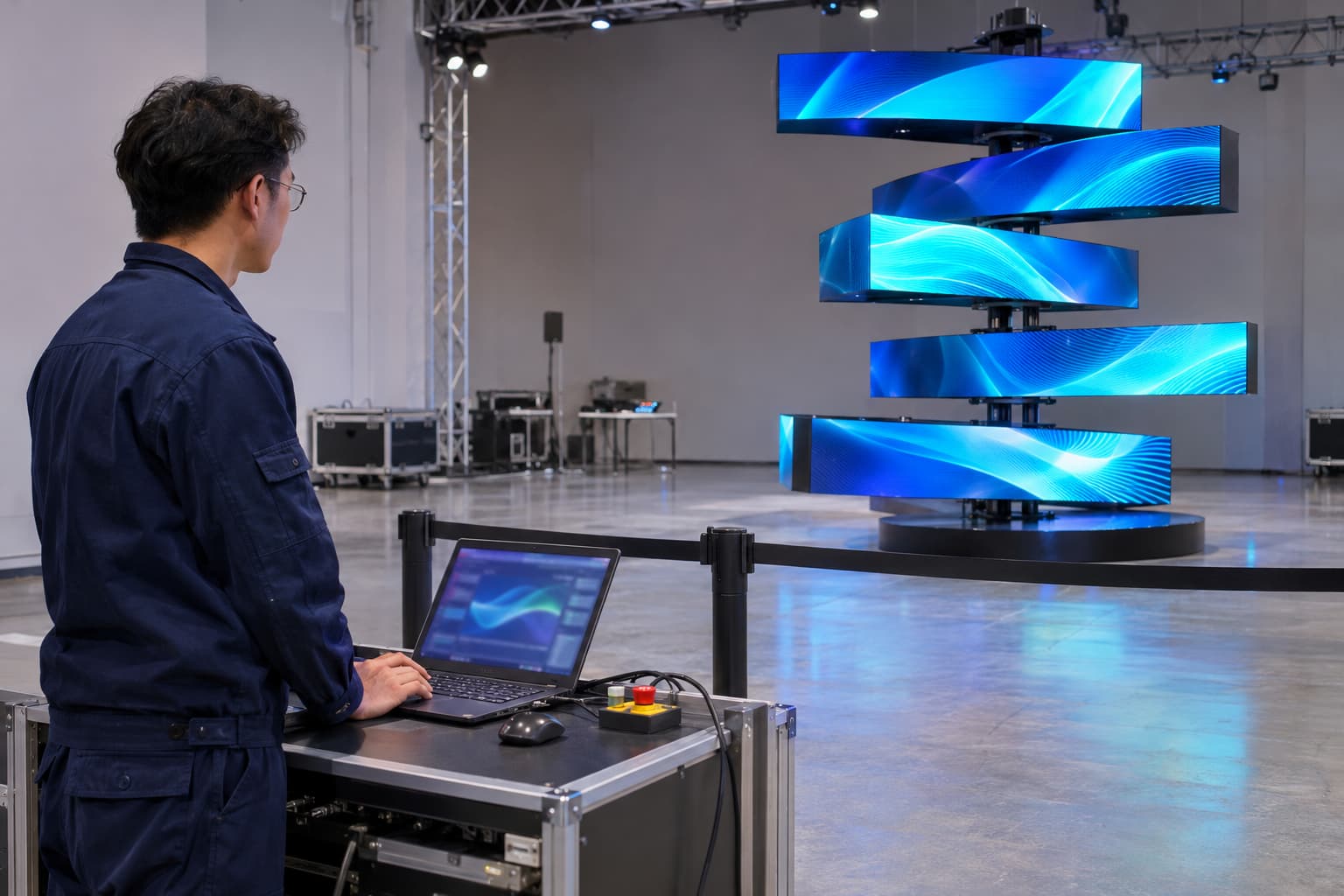
JR Visual’s published information for the DNA Rotating LED Screen describes editable motion scripts and video-to-script pairing. The precise editing tools and supported functions should be confirmed for the ordered model. This pairing matters when future content comes from a different studio. The new team needs the approved motion reference, not just the screen resolution.
Who Should Edit Kinetic LED Screen Control Settings?
Daily operators and motion programmers may need different access levels. Someone responsible for opening the venue each morning may only need to start, stop and select approved sequences. Creating or modifying movement requires a deeper understanding of the installed mechanism and its limits.
Daily Operators
Operators should receive instructions for routine playback, selecting approved programs and responding to faults. They should know which controls they may use, when to stop the installation, and when to contact support. Routine operation should not depend on experimenting with unfamiliar settings.
Trained Motion Editors
A trained editor may adjust supported sequences using the approved software and permissions. The handover should explain the editing process, available backups and testing requirements. Confirm any licensing conditions and whether the owner receives editable source files or only ready-to-run programs.
Suppliers and System Integrators
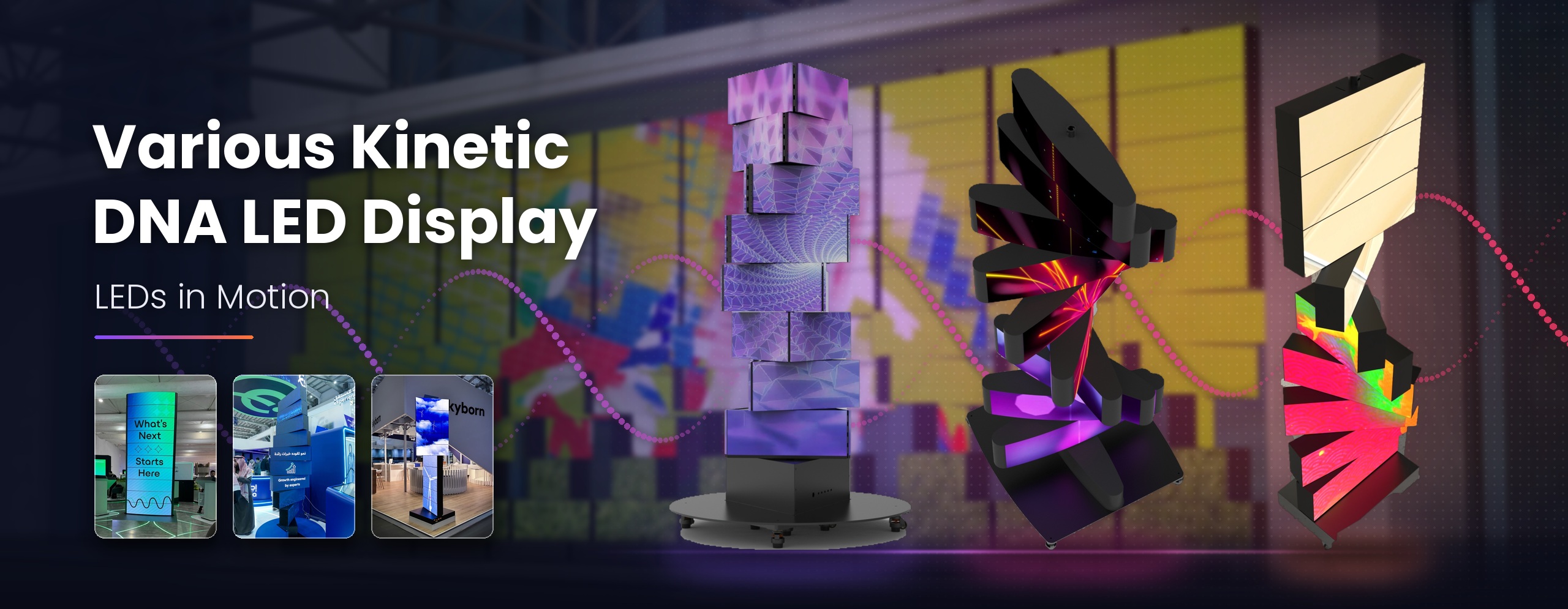
Changes affecting movement limits, mechanical behavior, system integration or protective functions need specialist review. For a 3D Kinetic LED Display, changes to the arrangement of forward-moving units can also affect the intended surface formation. Use the instructions for that specific system rather than applying settings from a rotating display.
Can Several Kinetic LED Displays Follow One Sequence?
A coordinated installation requires more than placing several units side by side. The control arrangement must identify each device and define how the group starts and responds to commands.
Ask how the supplied configuration handles:
- Individual unit identification.
- Starting a group sequence.
- Different actions assigned to different units.
- Timing between movement and video.
- An unavailable or faulty unit.
- Returning the installation to an approved operating state.
Do not assume that several independently running loops will remain synchronized.
A reference video can help communicate the desired effect, but the supplier should confirm how it will be achieved with the proposed hardware and controls. Request a demonstration using the intended number of units where practical. For repeat events, keep the approved layout and unit identification with the program files. Moving equipment into a different arrangement may require another configuration review.
Test Revised Kinetic LED Screen Motion Before Public Operation
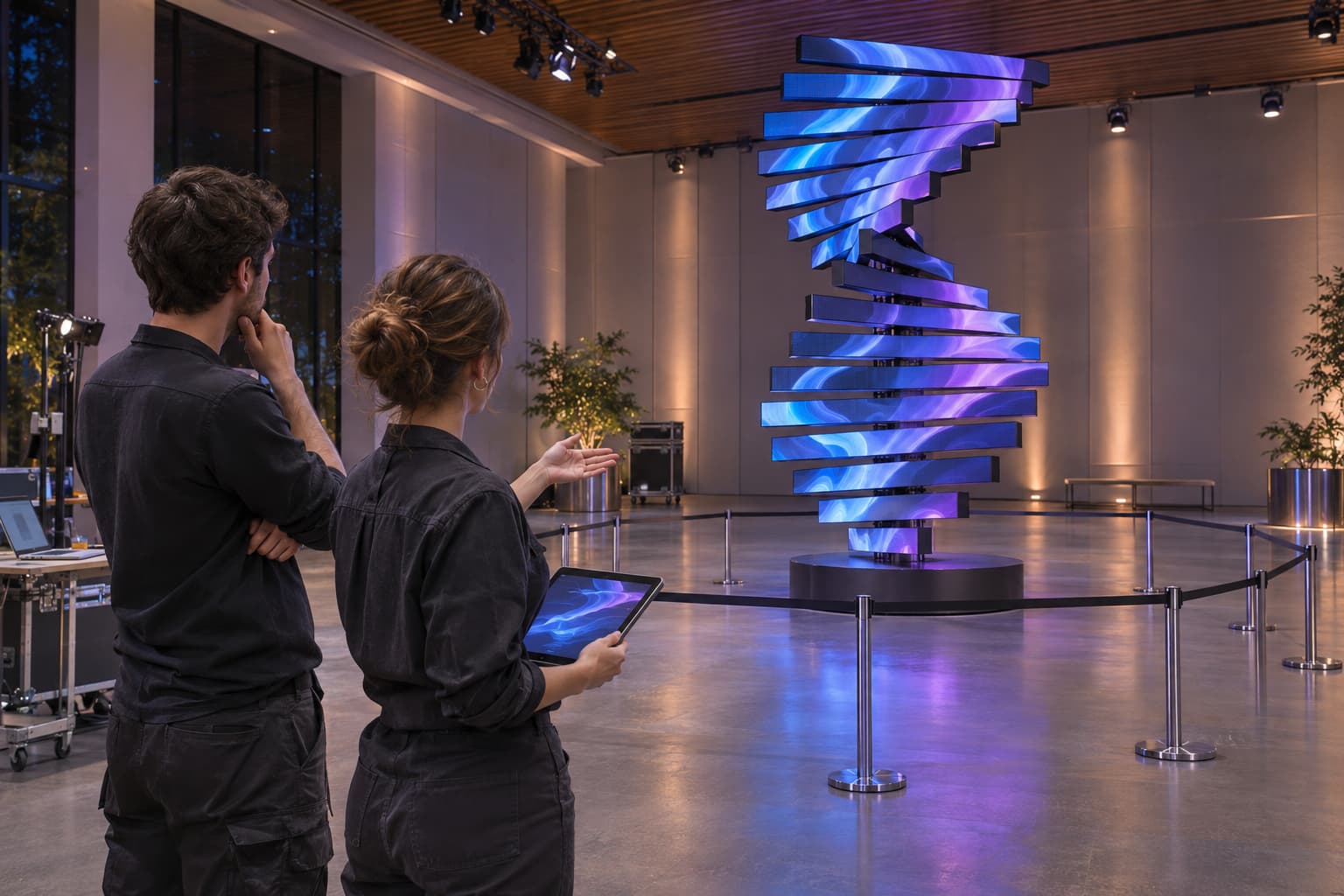
An animation preview helps assess the creative idea, but it cannot verify the complete physical installation. Test the revised sequence on the actual system under controlled conditions. Keep visitors and unrelated personnel outside the movement area. Follow the manufacturer’s commissioning and operating procedures. OSHA’s guidance on mechanical-motion hazards explains why moving parts require appropriate safeguards. The applicable requirements depend on the installation location and final equipment design.
Confirm the Existing Installation Still Fits
Check for changes around the display, including new signage, lighting, furniture, decoration or barriers. A sequence that previously operated within a clear area may no longer suit the modified surroundings. Have the responsible technical team review any potential conflict.
Review the Image From Audience Positions
Observe the main product image, branding and text from the intended viewing zones. Look for moments when important information turns away, crosses moving sections or remains visible for too little time. Adjust the creative sequence within the approved system capabilities.
Keep an Approved Recovery Option
Back up the accepted configuration before changes begin. Identify the previous working sequence and its matching media files. After testing, record the approved release and remove outdated versions from the operator’s normal selection area. Clear file identification reduces the chance of running a new video with the wrong movement.
Questions to Resolve Before Buying an Editable Kinetic Display
Future updates can involve software access, programming work, testing time and support fees. Clarify these costs before treating editing as an included feature.
| Question | What a useful answer should establish |
|---|---|
| Which movements can the owner edit? | Specific supported functions and restrictions |
| What software is supplied? | Version, licensing and compatible operating environment |
| What training is included? | Operator tasks, editing scope and practical instruction |
| Are source files included? | Editable files, runtime files and ownership conditions |
| Can new sequences be commissioned later? | Support process, required information and quotation basis |
| How are updates accepted? | Testing responsibilities and approval records |
A supplier demonstration should show a realistic update task, such as selecting a different approved sequence or pairing revised content. Watching the original promotional loop does not establish how easy future editing will be. If regular campaign changes are part of the project, discuss the control requirements alongside the screen format and mechanical design. Explain who will manage updates and how often the content is expected to change.
Kinetic LED Screen Motion FAQs
These questions help distinguish routine content updates from changes that need programming or engineering support.
Can I Change the Video Without Changing the Movement?
Sometimes. The new content must suit the existing screen layout, orientation and sequence timing. Test important images and text from the intended viewing positions before approving the replacement.
Will the Screen Automatically Create Movement From Any Video?
Do not assume this capability. Video playback and mechanical movement need a defined relationship. Ask the supplier to demonstrate any automatic or interactive feature offered for the selected configuration.
Can I Make the Screen Move Faster After Installation?
Only within the settings approved for the system and site. Faster motion may affect mechanical demands, stopping behavior and content visibility. Ask the supplier to review the request rather than increasing settings experimentally.
You Can Edit Supported Motion Within the Approved System Limits
An editable kinetic display can support new campaigns and creative sequences when the delivered controls, permissions and training allow it. Selecting an approved program, editing a movement sequence and changing mechanical limits are different levels of work. Establish responsibility for each before purchase. For future updates, keep the motion and media files paired, test the result on the installed system, and retain a known working version. These practices make changes easier to manage while preserving the intended visual effect and operating conditions.