
A rotating LED display combines electronic display components with mechanical motion. This creates maintenance requirements that differ from a conventional fixed LED wall. Image quality still matters, but technicians must also monitor motors, bearings, rotating structures, power transmission, signal connections, fasteners, and movement consistency. A planned rotating LED display maintenance routine helps operators identify small mechanical or electrical changes before they become visible failures during an exhibition, retail campaign, showroom presentation, or permanent installation.
Build Rotating LED Display Maintenance Around Operating Hours
Maintenance frequency should reflect how the screen is actually used. A unit operating several hours each month at exhibitions does not have the same service cycle as a rotating installation running every day in a retail environment.
Start by recording:
- Daily operating hours
- Number of start-stop cycles
- Rotation speed
- Installation environment
- Dust exposure
- Temperature
- Recent alarms or irregular movement
- Parts previously replaced
This operating record gives technicians a baseline. The same principle applies when selecting a rotating LED display for a permanent project: consider mechanical accessibility before installing the screen.
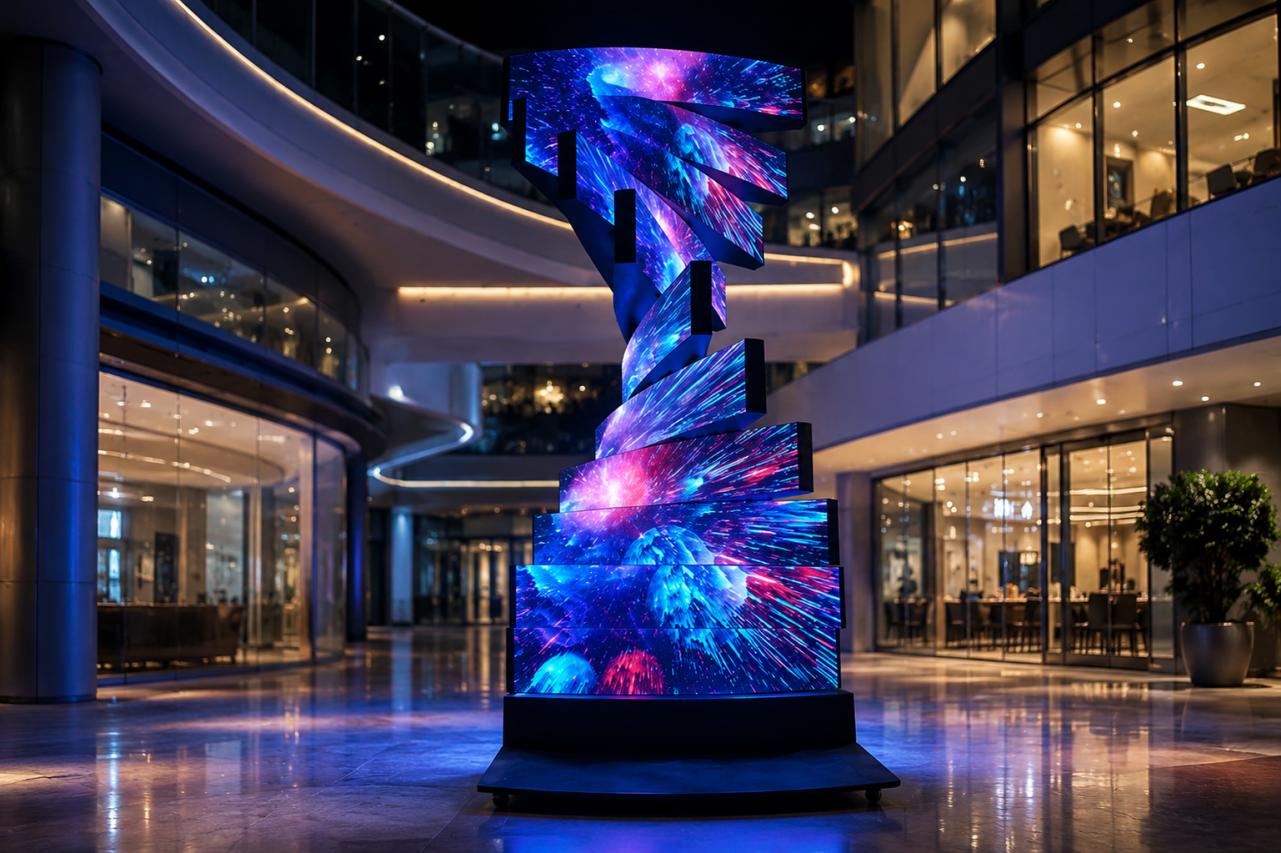
Check Rotation Before Opening the System
The first maintenance step is observation. Operate the display through its normal movement sequence and look for changes from the original commissioned condition.
Watch for:
- Uneven rotation
- Unexpected vibration
- New mechanical noise
- Delayed starting
- Sudden stopping
- Positioning errors
- Screen sections moving at different speeds
- Cable movement that looks abnormal
This simple operational test can narrow the inspection area before technicians begin disassembly. Do not attempt internal servicing while the mechanism can start unexpectedly. OSHA’s control-of-hazardous-energy standard addresses servicing and maintenance where unexpected energization or startup could expose workers to injury. Always follow site-specific safety procedures and applicable local regulations. See the official OSHA lockout/tagout requirements for the relevant U.S. framework.
Rotating LED Display Motor Maintenance
The motor is one of the most important components in the mechanical system, but replacing a motor should not be the first response to every movement problem. During rotating LED display motor maintenance, check the complete drive path.
Inspect:
- Motor mounting bolts
- Couplings
- Drive components
- Electrical connectors
- Position sensors
- Abnormal motor temperature
- Unusual noise during acceleration
- Changes in rotation speed
A loose coupling or mechanical alignment problem can sometimes create symptoms that appear to be a motor failure. Technicians should compare current operation against commissioning records rather than judging performance only by whether the display still rotates. For applications requiring unusual motion or custom display geometry, document the mechanical configuration of a DNA LED screen so replacement components match correctly.
Bearings and Fasteners Need Physical Inspection
Bearings operate repeatedly while supporting rotating assemblies. Their condition can affect stability, noise, alignment, and long-term mechanical reliability. Technicians should look for excessive play, unusual resistance, contamination, vibration, or sounds that were not present during normal operation. Fasteners also deserve attention. Repeated motion can make mechanical inspection more important than on a static display. Check mounting points, structural connections, covers, and accessible safety components according to the manufacturer’s maintenance instructions. Avoid simply tightening every fastener without reference to specifications. Incorrect tightening can damage threads, distort components, or make future servicing difficult.
Record Changes Instead of Relying on Memory
A maintenance checklist should record what technicians observed.
For example:
| Inspection Item | Normal Condition | Action Trigger |
|---|---|---|
| Rotation | Smooth and repeatable | Vibration or unstable speed |
| Motor | Normal sound and temperature | Noise or abnormal heat |
| Bearings | No unusual play | Movement or grinding sound |
| Fasteners | Secure | Loose or displaced hardware |
| Cabling | Controlled movement | Rubbing, twisting, or strain |
This makes recurring problems easier to identify across maintenance cycles.
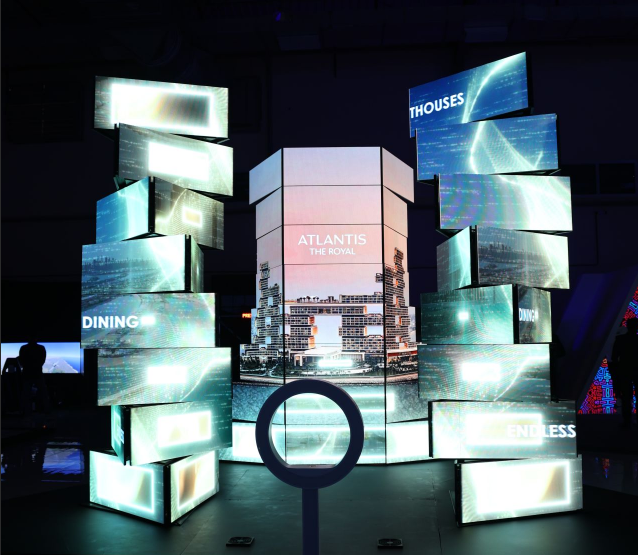
Power and Signal Checks During Rotating LED Screen Maintenance
Mechanical motion adds another challenge for cabling. Power and signal paths must remain reliable while parts of the display move. During rotating LED screen maintenance, inspect cable bends, connectors, strain relief, moving cable sections, and any cable-management components.
Look for:
- Damaged insulation
- Connectors working loose
- Cables rubbing against metal
- Excessive twisting
- Sharp bends
- Strain near connector points
Then test the LED display while it rotates. A screen that operates correctly when stationary but loses image during movement may indicate a connection or cable-routing problem rather than an LED module failure. This distinction can save considerable troubleshooting time. A properly configured rotating LED screen should let the electrical and mechanical systems operate together without unnecessary stress on signal or power connections.
A Practical Rotating LED Screen Troubleshooting Sequence
When a problem appears, avoid replacing parts randomly. Use a logical rotating LED screen troubleshooting sequence.
Problem 1: The Display Does Not Rotate
Check whether the control system is issuing the correct command. Then verify power, protection devices, motor status, sensors, and mechanical obstruction.
Problem 2: Rotation Is Uneven
Inspect alignment, bearings, couplings, drive components, mounting conditions, and control parameters.
Problem 3: The Image Cuts Out During Rotation
Check moving signal and power connections first. Test whether the problem occurs at the same physical rotation position each time.
Problem 4: The Display Produces New Noise
Identify whether the sound follows motor speed or a specific position. Inspect bearings, mechanical contact points, covers, and drive components.
Problem 5: Positioning Becomes Inaccurate
Check position feedback devices, calibration, mechanical looseness, control settings, and whether the home position is still repeatable. This sequence separates electrical, control, and mechanical causes rather than treating the entire system as one fault.
Keep Spare Parts Based on Failure Impact
Not every component needs to be stored onsite.
For permanent installations, buyers should discuss critical spares with the manufacturer before commissioning.
Useful items may include selected LED modules, receiving cards, power supplies, sensors, cables, control components, and project-specific mechanical parts.
The exact spare-parts package should reflect how quickly the installation must return to service.
A rotating display installed in a flagship store may need a different spare-parts strategy from a screen used several times per year at exhibitions.
Projects that depend on continuous 360-degree movement should also review how the rotating LED screen will be accessed after surrounding decoration is completed.
What Should a Maintenance Handover Include?
Before accepting the project, request:
- Mechanical drawings
- Wiring diagrams
- Motor and sensor information
- Control-system backup
- Commissioning parameters
- Maintenance intervals
- Lubrication instructions where applicable
- Recommended spare parts
- Troubleshooting procedure
- Contact information for technical support
The handover package is especially important when the technicians maintaining the display were not involved in the original installation.
FAQ About Rotating LED Display Maintenance
How often should a rotating LED display be inspected?
There is no universal interval. Operating hours, rotation frequency, environment, mechanical design, and manufacturer requirements should determine the schedule.
Should motors be replaced at fixed intervals?
Not automatically. Maintenance should follow the manufacturer’s service requirements and the equipment’s actual condition. Operating records can help identify deterioration.
Why does the image fail only when the screen rotates?
Check moving cables, connectors, strain points, and signal paths. A problem that occurs only at a particular position is useful diagnostic information.
Can the display keep running if abnormal vibration appears?
Investigate the cause rather than assuming the vibration is acceptable. New vibration can indicate mechanical looseness, alignment changes, bearing issues, or other faults.
Maintenance Is Part of the Display Design
Good rotating LED display maintenance starts before the first service visit. The installation should provide access to motors, connections, bearings, control components, and removable display parts. Technicians should also receive drawings, baseline operating information, and a clear service procedure. When maintainability is included in the original project design, the rotating screen becomes easier to inspect, diagnose, and keep operating consistently throughout its service life.