
A product launch can have an approved video and still lack a usable screen sequence. The product image may appear while the display faces away from the audience, or a revised animation may be loaded with an older movement script. These problems are easier to address when the creative team and display supplier agree on a shared delivery package before final rendering. The rotating LED display content handoff should include the confirmed screen canvas, approved motion sequence, exported video, and rehearsal record. For a launch team evaluating a DNA rotating LED screen, the practical goal is a repeatable product reveal that the assigned operator can identify, load and run.
Start Rotating LED Display Content Handoff with the Final Canvas
Ask the supplier for a dated content template based on the ordered configuration. It should identify the active pixel dimensions, layer boundaries, display faces, orientation and any interrupted areas. A photograph or an overall height measurement cannot tell an animator where every part of the finished image will appear. Confirm how the playback canvas represents the two sides. Ask whether the content team should deliver one combined file or separate assets and who handles the final mapping. Do not infer that arrangement from the words “double sided.” The template must match the approved system and the supplier’s delivery instructions. JR Visual offers flat, curved and triangular rotating formats, with configurable dimensions and layer counts. These options make the final configuration a key part of the artwork brief. If the format or layer count changes, have the supplier reissue the template before the team renders the revised master.
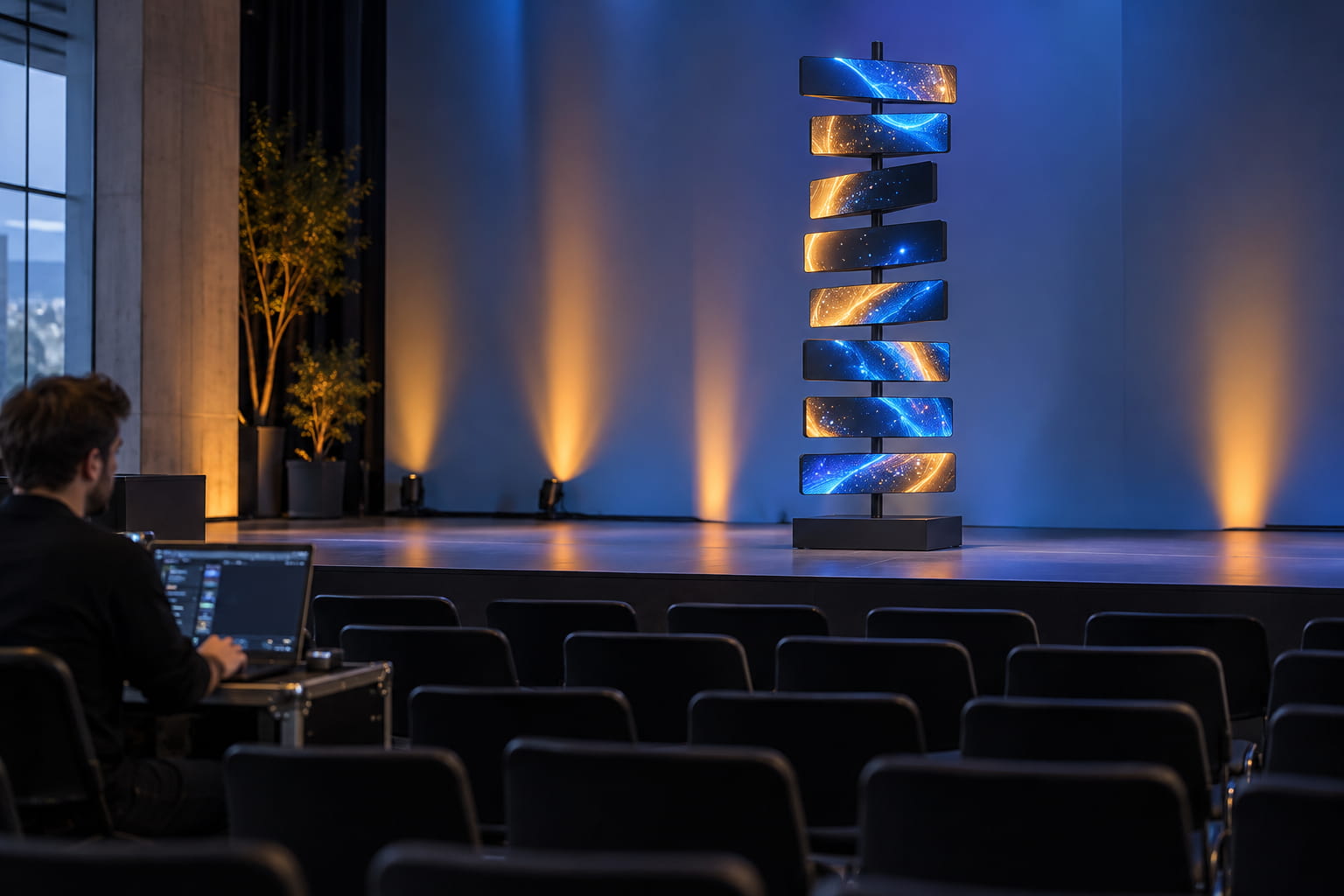
Approve the Product Reveal from the Audience Position
Define the moment when the audience needs to recognise the product. Mark the main viewing zone and agree which screen face and formation should present that image. Give the product team a storyboard that includes physical screen positions alongside the video frames. For example, a launch sequence might begin with abstract imagery, move into an approved presentation state, and then show the product. This is a proposed creative sequence, not a standard operating program. The supplier must confirm which movements and presentation states the selected configuration can perform. Keep important logos and product details away from layer breaks and areas that turn out of view during the reveal. Check side approaches too, but prioritise the audience zone assigned to the launch presentation. Broad effects can use the moving formations; the key product moment needs an agreed viewing opportunity.
Keep Each Motion Script Paired with Its Video
The DNA product page specifies one video file per motion script and supports multiple script-and-video pairings. Treat each approved pairing as one delivery item. A new filename alone doesn’t tell the operator which movement it belongs to. Use a simple manifest containing the sequence name, script identifier, video filename, duration, revision and approval status. For example, Launch_Reveal_v03 could identify a package, while separate manifest fields name its actual script and video files. Confirm the required naming rules with the supplier.
A change to movement speed or video timing should trigger a review of the complete pairing. Ask the control team how the sequence begins, finishes and returns to the next approved state. Check the transition during rehearsal rather than assuming two sequences will join correctly because each works separately. For wider coordination with lighting or show control, the kinetic LED display brief should name the system that starts the sequence. DNA lists TCP/IP control and external UDP invocation, but compatibility with a particular controller and each cue’s behaviour still needs confirmation.
Confirm the Export Settings Before Rendering the Master
Obtain the playback provider’s accepted file format, codec, frame dimensions, frame rate, and audio requirements. Record any file size or data rate limits, and ask whether the system requires a specific colour setting. No universal export preset fits every rotating display installation. Adobe’s guidance on encoding and exporting video explains how formats, presets and output settings are selected. Use that workflow to produce the agreed file; the playback provider’s specification determines which settings suit this project. Send a short representative export before committing to the complete launch sequence. Include the product detail, typography and transitions that matter to approval. Have the supplier check the actual file on the proposed playback arrangement, then keep its accepted settings with the delivery brief.
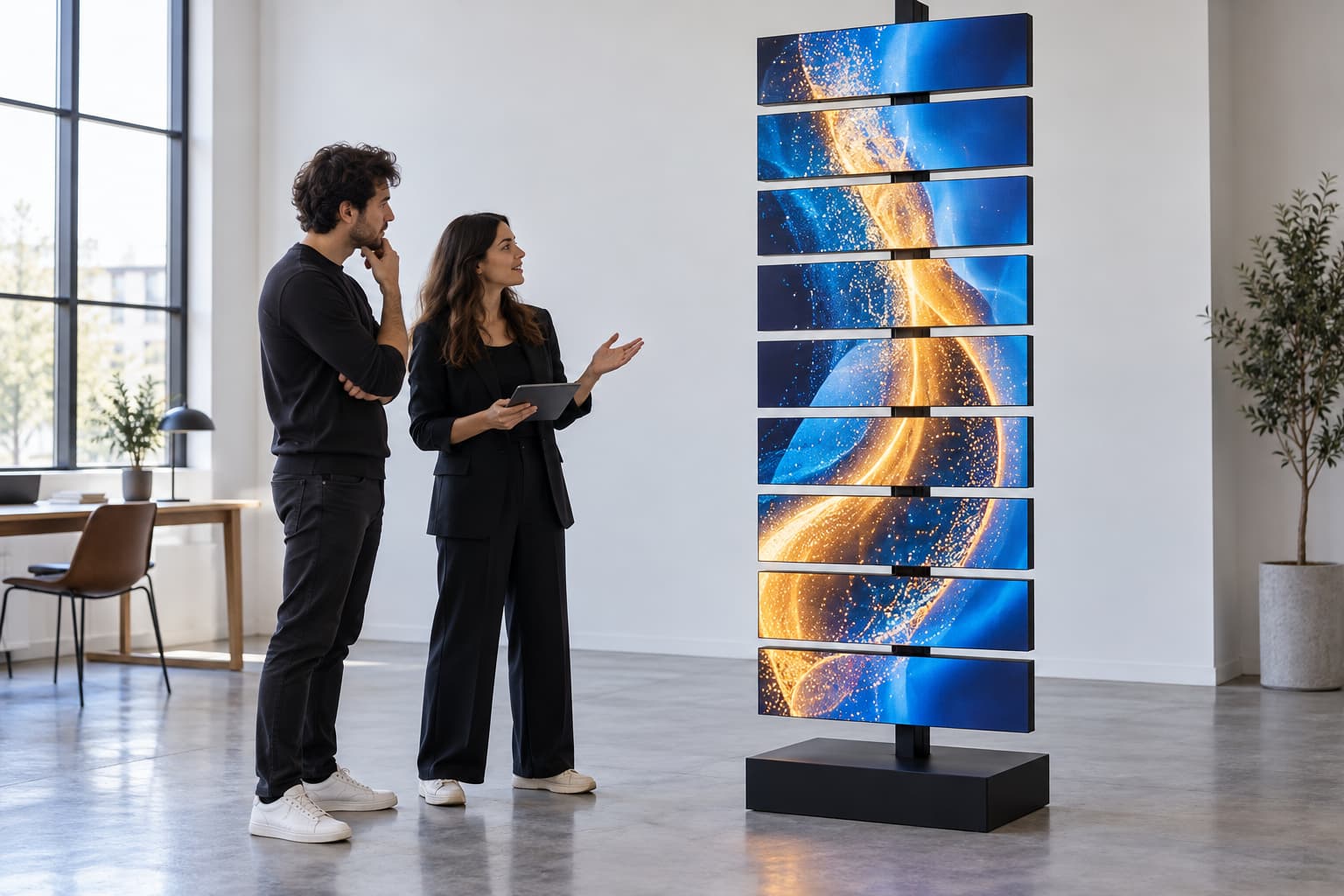
Rehearse the Complete Sequence on the Installed Display
A desktop preview can approve artwork, but it cannot confirm the audience’s view of a moving installation. Schedule a rehearsal after the authorised installation and commissioning work is complete. Use the actual playback files, motion scripts and launch cues with the event team present. Check the starting orientation, the visible product moment, transitions across layers and the final state. Run the sequence again from the agreed starting condition. If the display appears correct on one run and different on another, record the conditions and have the supplier investigate before approval.
Keep content review separate from equipment operation. Creative staff should record an issue and request a controlled replay through the authorised operator. Any motion adjustment or recovery action must follow the supplier’s approved procedure. A rotating LED display installation also needs its own site and service review. This content rehearsal should build on that completed work, with notes stating what the audience saw and which file pairing ran.
Make the Final Delivery Usable by the Event Operator
Assign ownership before the last revision. The content producer owns the video export, the display supplier confirms mapping and the approved script pairing, and the event operator confirms the cue sequence. The brand approver signs off the product presentation. Adjust these roles to the contracted scope. Deliver the approved manifest with the matching files, content template, cue notes and rehearsal findings. Separate superseded revisions from the operator’s active package. Keep an approved duplicate where the team can retrieve it during setup, following the venue’s access arrangements. Before confirming a rotating LED display, share the launch layout, proposed reveal and content handoff requirements with JR Visual. Agreeing on those inputs gives the creative team a stable brief and the event operator a clear basis for the final rehearsal.