
Yes, a flexible LED screen can display clear text, including company names, product messages, prices and directions. The flexible construction does not automatically make letters blurry. Readability depends on the screen’s pixel resolution, the size of the characters, the viewing distance and the placement of text on the curved surface. A large brand name and a detailed product description place different demands on a display. A screen may show the first clearly while struggling with the second.
If your installation needs to communicate written information, judge it using the actual words people must read. A colourful video demonstration will not answer every question about text clarity.
What Makes Text Clear on a Flexible LED Screen?
A flexible LED display forms letters using a pixel grid. Each character needs enough pixels to show its strokes, edges and internal spaces. When the lettering becomes too small, similar characters may become difficult to distinguish. The opening inside an “e” can disappear, while numbers such as “3” and “8” may look less distinct.
Three conditions largely determine whether viewers can read the message:
- Enough detail: the pixel grid must reproduce the character’s shape.
- Enough visible size: the lettering must appear large enough from the intended reading position.
- Enough separation: the text must stand out from its background.
These conditions work together. A sharply defined word can still be too small to read across a room. Large lettering can also become difficult to follow when it appears over a busy video.
Can a Flexible LED Display Show Small Letters and Numbers?
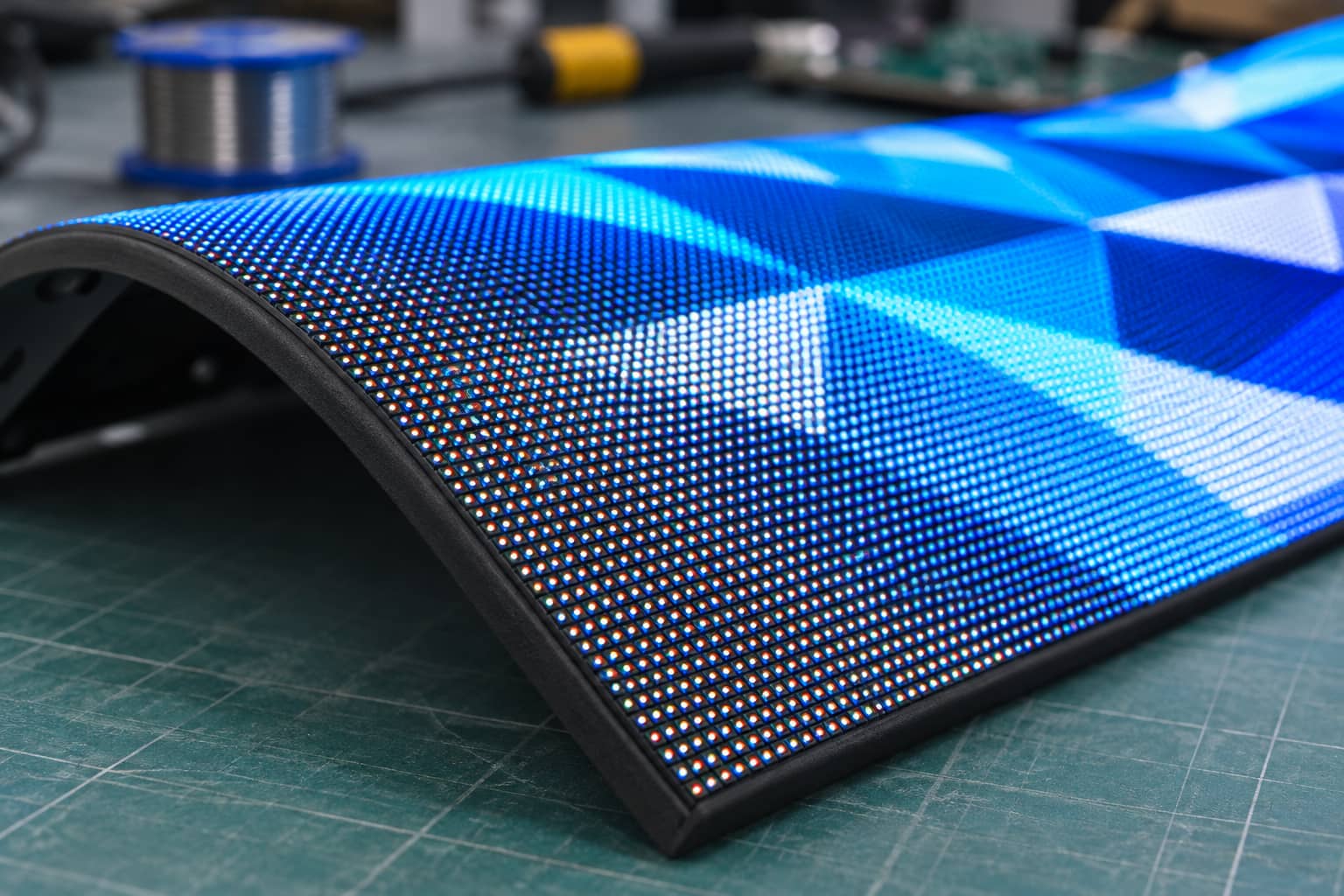
It can, provided the configuration and viewing conditions support them. “Small” depends on the screen’s resolution and the audience’s position. Pixel pitch describes the distance between neighbouring pixel centres. A smaller pitch places more pixels within the same physical area, allowing the screen to reproduce finer details. For comparison, a character about 100 mm high would occupy around 40 pixel rows on a 2.5 mm pitch screen. At a 2 mm pitch, the same physical height would occupy around 50 rows. Those figures explain the difference in available detail. They do not establish a guaranteed readable character size. Font style, spacing and language also affect the result. A simple capital letter needs different detail from a complex character or a small decimal point.
Prices and Model Numbers Need Close Checking
A product headline can remain understandable when a minor detail disappears. Prices, dates and model numbers require greater precision.
Before approving the display, test examples containing:
- Decimal points and currency symbols.
- Similar characters such as “0” and “O.”
- Narrow characters such as “1,” “I” and “l.”
- The longest model number you expect to show.
- Every language required for the installation.
Use the smallest intended version of each example. Enlarged demonstration text can hide limitations that appear in the finished content.
Does the Curved Shape Affect Flexible LED Screen Text?
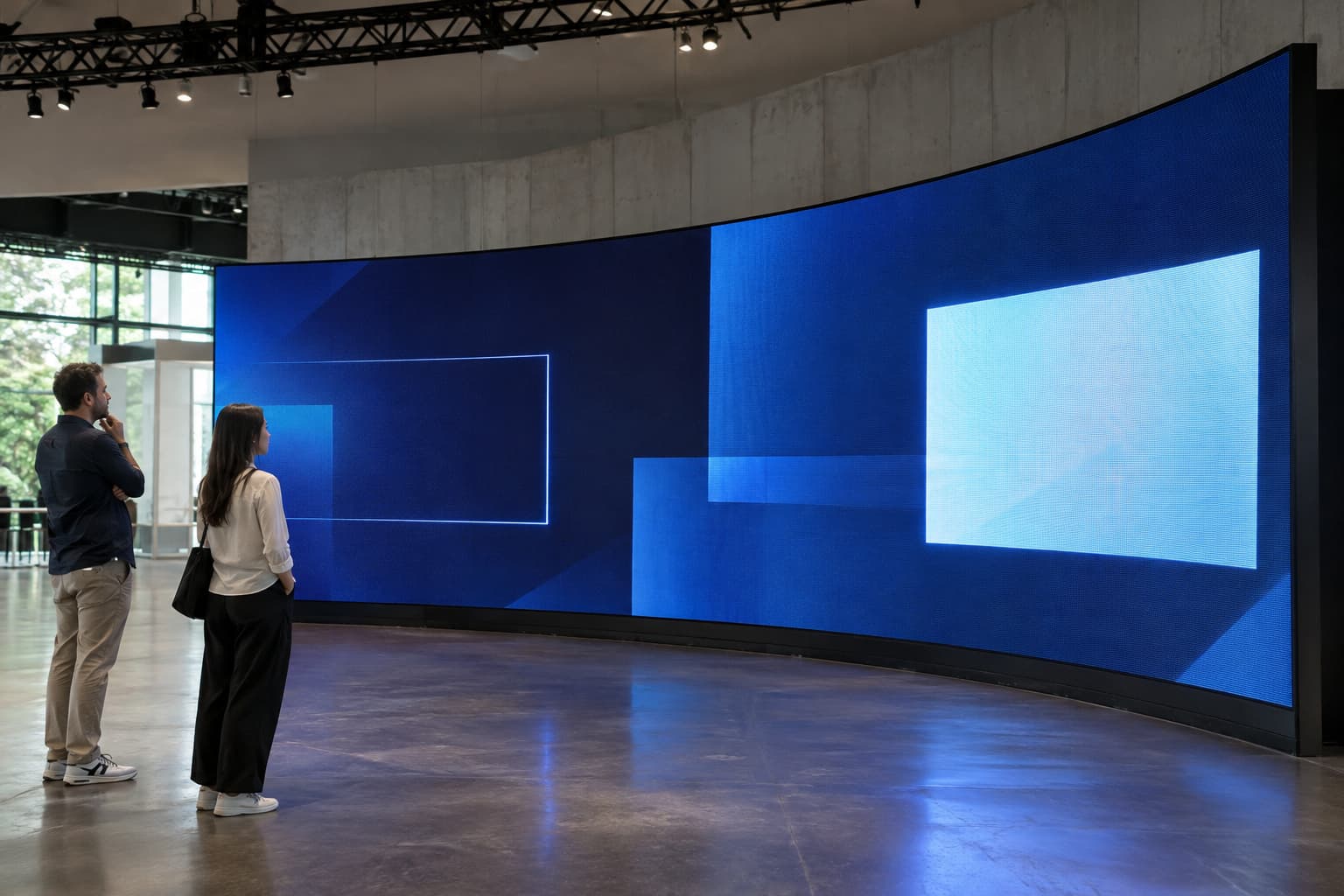
Yes. Curvature changes how people see different parts of the screen, even when the displayed letters are correctly formed. On a cylindrical display, text near the centre of the visible surface faces the viewer more directly. Letters toward the sides appear increasingly compressed as the surface turns away. A long sentence wrapped around the cylinder may extend beyond what a person can comfortably see. Visitors then need to move around the column to read the whole message.
For a cylindrical installation, short messages repeated in separate viewing zones are often more practical. Each approach direction can have a complete company name or product headline. On a broad curved wall, keep detailed text within the area facing the main audience. Supporting graphics can extend farther across the surface. A wide published viewing angle doesn’t guarantee every word stays equally readable from every position. Check the message from the entrance, main walkway and other expected viewing points.
Why Can Video Look Good While Text Looks Unclear?
Viewers can recognize many video scenes even when fine details disappear. A moving car or a landscape remains recognizable without every edge being precise. Reading requires people to identify individual characters in the correct order. Missing strokes, closed gaps and uneven spacing can change what they understand. Content processing can also affect lettering. A file that looks sharp on a computer may be reduced to fit the LED screen’s native canvas. For example, if a 1,920-pixel-wide design is scaled proportionally to a 960-pixel-wide output, a character originally 30 pixels high becomes approximately 15 pixels high. The reduced character has fewer pixels available to preserve its shape.
If text looks softer than expected, check:
- The assembled screen’s native resolution.
- The resolution of the content file.
- Any scaling applied by the player or processor.
- The character size after that scaling.
- The aspect ratio and screen mapping.
Increasing the source file resolution alone cannot add physical pixels to the installed screen.
What Text Is Suitable for a Flexible LED Screen?
Flexible LED screens can communicate a wide range of written information. The layout should reflect how people encounter the display and how long they have to read it.
| Text content | What helps it remain readable |
|---|---|
| Company names | A complete name positioned within the main viewing area |
| Product headlines | Short wording, large characters and comfortable spacing |
| Prices | Clearly separated digits, visible decimal points and a stable background |
| Product descriptions | Brief sentences divided across slides |
| Directions | Simple wording placed where approaching visitors can see it |
| Detailed tables | Enlarged sections showing only the information people need |
A reception display may give visitors time to read a short paragraph. At an exhibition booth, people walking past may only have time to recognize a headline. Avoid shrinking a long paragraph until it fits. Shorten the wording or divide it across several slides. Choose fonts with distinct character shapes. Very thin strokes can disappear at small sizes, while excessively heavy lettering can close the spaces inside characters.
The background deserves equal attention. Bright moving imagery can make overlaid words difficult to follow. A stable panel behind the text can improve separation. W3C’s text contrast guidance provides a useful reference for distinguishing lettering from its background. Physical LED installations also need testing under their actual lighting, brightness and viewing conditions.
How Can You Confirm the Text Will Be Clear?
Ask the supplier to test your own content using the proposed configuration. Include the smallest words and numbers visitors will need to read. For indoor projects, the iSoft Indoor Flexible LED Module offers multiple pixel-pitch options. Compare the proposed model against the final screen dimensions, curvature and intended reading distances.
A useful test should answer these questions:
| Check | What you need to confirm |
|---|---|
| Front view | Can viewers read the whole message accurately? |
| Side approaches | Does the curvature hide or compress important words? |
| Farthest reading position | Are supporting details still large enough? |
| Actual background | Does the text remain visible throughout playback? |
| Slide duration | Can someone unfamiliar with the message finish reading it? |
| Smallest characters | Are punctuation, symbols and similar digits distinguishable? |
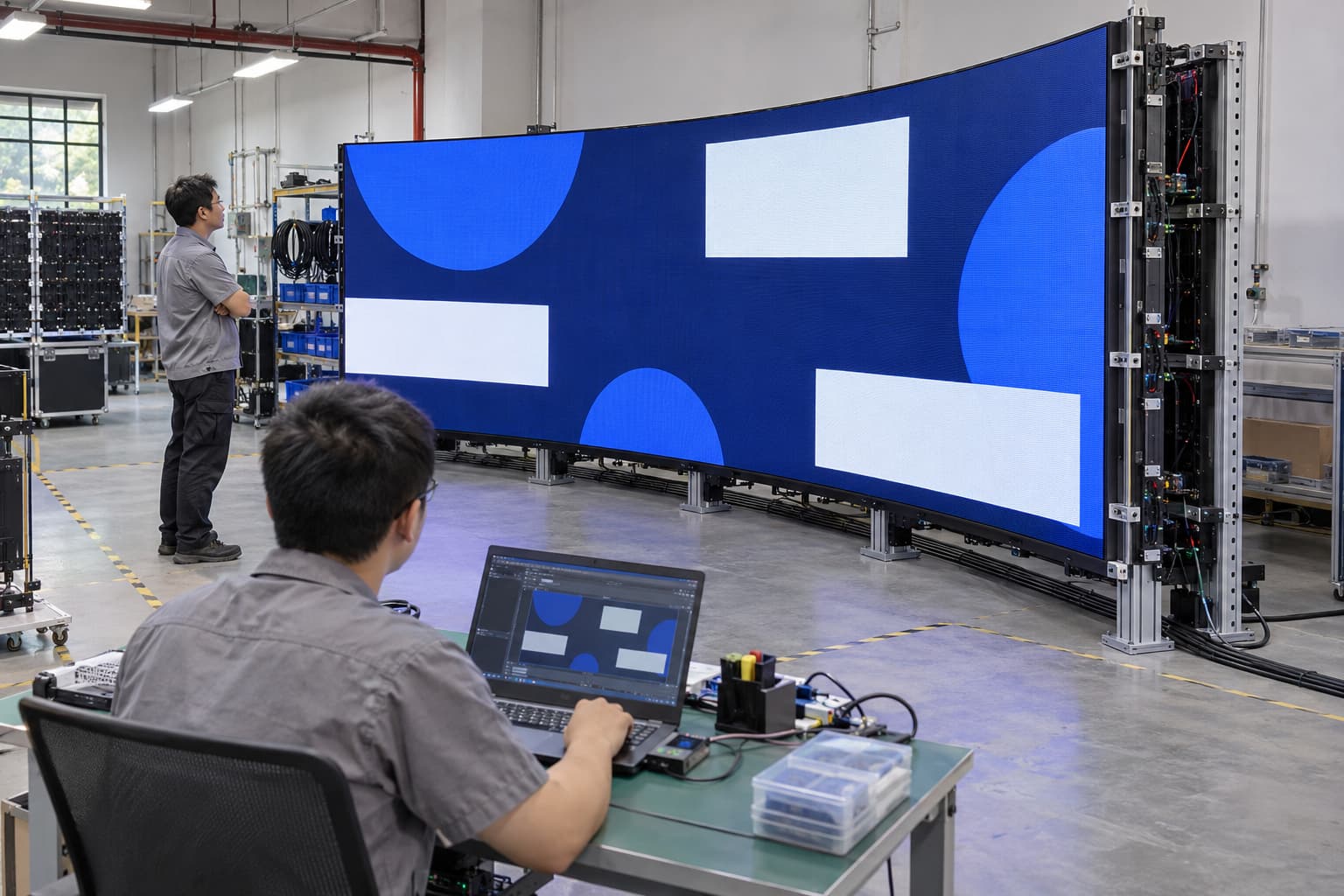
Direct observation is valuable. Phone recordings can introduce focus, exposure and recording artefacts that change how an LED screen appears. If an on-site test is unavailable, ask how the demonstration relates to your proposed pitch, character size and viewing distance. A close-up video of oversized lettering provides limited evidence for small text viewed across a venue.
Frequently Asked Questions
These questions often come up when deciding how much written information to put on a flexible display.
Can a Flexible LED Screen Display a Company Logo Clearly?
Yes, when the logo has enough pixels and appears large enough for the viewing distance. Test any fine lines, small lettering and narrow spaces within the logo. A simplified version may work better at smaller sizes.
Can a Flexible LED Display Show Detailed Spreadsheets?
It can display them, but dense cells and small labels may be difficult to read from public viewing areas. Show selected rows or individual figures at a larger size. Reading detailed spreadsheets requires a specific resolution and viewing-distance assessment.
Will Bending the Screen Make Every Letter Look Distorted?
Bending changes the viewing geometry. Text facing the viewer can stay clear, while text farther around a curve can look compressed. Correct mapping and suitable text placement help, but the screen’s shape still limits how much of a message one person can see at once.
A Flexible LED Screen Can Display Clear Text With a Suitable Configuration and Layout
A flexible LED screen can show clear company names, product messages, prices and directions. Small lettering and detailed information require closer attention to resolution, character size and viewing distance. Confirm the result using your actual content on the proposed screen configuration. Check the smallest message from the positions where visitors need to read it. When discussing a project with an LED Screen Manufacturer, provide the screen dimensions, installation shape, viewing distances and sample text. That gives the supplier a practical basis for recommending a display that can communicate your message clearly.