
Flexible LED modules offer unique advantages due to their bendable and lightweight design. However, some considerations are needed during calibration. Their flexibility can put stress on connections, and the age of different modules can affect color consistency. Therefore, many users and viewers notice defects in flexible LED module applications. Many users report noticeable color deviations or uneven brightness between modules, perceiving these issues as making their content appear unprofessional. For businesses using indoor flexible LED modules in retail or events, this translates to reduced user engagement and decreased consumer trust in brands with poorly calibrated screens. Therefore, it is essential to know how to calibrate the brightness and color of flexible LED module video screens.
The Importance of Calibration for Flexible LED Module
Unlike rigid panels, the bendable PCBs and lightweight design of flexible LED modules make them ideal for curved or irregular surfaces. However, these characteristics also make calibration crucial. Even within the same batch of flexible LED modules, slight variations in the manufacturing process can result in subtle differences in the brightness or color temperature of the LED chips. Without calibration, these differences will manifest as “hot spots” or color shifts.
Furthermore, bending flexible LED modules during installation can stress the solder joints, subtly altering the current flowing to the LEDs and causing variations in brightness over time. Additionally, indoor flexible LED modules in some retail spaces are affected by fluctuating light conditions, while outdoor modules are affected by sunlight, rain, and shadows; both require calibration to maintain visibility and consistency.
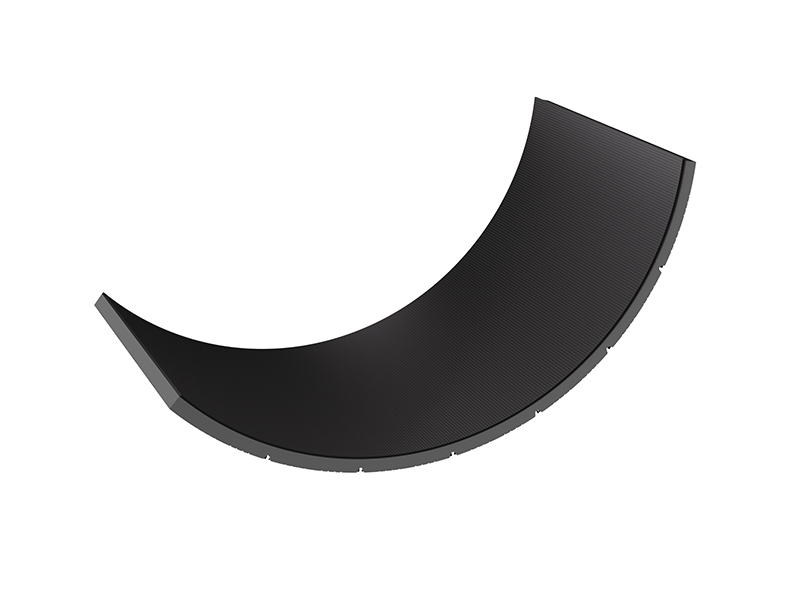
Checks Before Calibrating Flexible LED Module
Before adjusting color or brightness, ensure your flexible LED module video screen is ready. First, verify power stability by using a multimeter to check that all modules receive a stable voltage. Power fluctuations can cause brightness fluctuations; check for loose connectors or replace faulty power supplies to resolve the issue. Next, check the module alignment to ensure even spacing and secure mounting. Gaps or uneven pressure on the flexible LED modules can cause deformation of the PCB board, which in turn affects LED performance. Therefore, for indoor flexible LED modules, dim overhead lights or draw the curtains to eliminate glare. For outdoor screens, calibrate under stable lighting conditions to avoid reading deviations caused by sunlight. Finally, preheat the screen by turning on the flexible LED module video screen for 30 minutes. Once the LED brightness and color have stabilized after preheating, ensure the calibration results match actual usage.
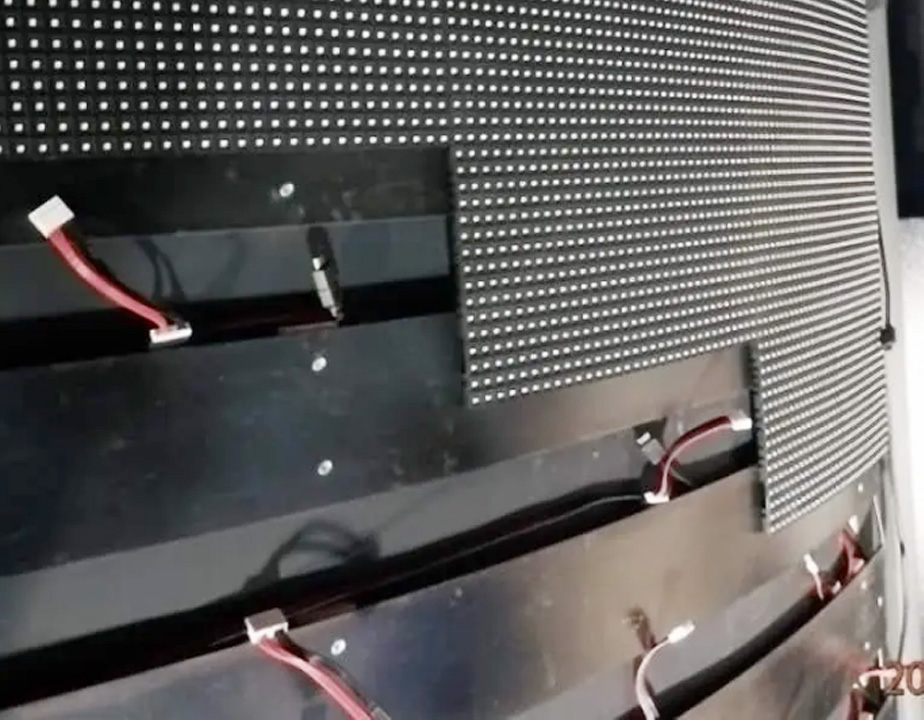
Perform brightness calibration to achieve uniform light output.
The most common problem with flexible LED module video screens is inconsistent brightness. You can solve this problem by following these steps:
Select the target brightness:
Indoor flexible LED module: 500–800 nits.
Outdoor flexible LED module: 1,500–3,000 nits.
Measure the current brightness by using a photometer 1 meter away from the screen. Take nine readings to identify areas that are overly bright or dark.
Adjust via controller software: Most flexible LED module systems use software to fine-tune the brightness of each module or area. Adjust the brightness to eliminate overly bright areas and increase it to eliminate overly dark areas, until all readings are within ±5% of the target value.

Color Calibration, Matching RGB for Lifelike Colors
Inconsistent colors, such as red appearing orange in one area and blue appearing purple in another, can ruin the integrity of the content. This can be solved by calibrating the RGB balance:
Set the Target Color Temperature:
Indoor Flexible LED Module: 6500K.
Outdoor Module: 5000K.
Use a Spectrophotometer: A tool like the X-Rite i1Pro can measure RGB output. Hold it 30 cm from the screen and take readings in 5-7 areas.
Adjust RGB Levels: In the controller software, fine-tune the red, green, and blue intensities of each module to achieve the desired color balance. For example, if the red value is too high in a specific area, reduce the red output by 2% to 5% until the target value is achieved.
Test with Reference Content: Play a color test pattern or familiar visual content. Check for color consistency across the entire flexible LED module video screen.
Post-Calibration Maintenance, Maintaining Screen Consistency
Calibration is not a one-time task. Please follow the steps below to maintain the calibration results. You can save configuration files to store your calibration settings in the controller software, and reload them if you reset the screen or replace a module. Also, perform monthly checks, including a quick visual inspection of pure white/color screens, to identify any new anomalies. For high-frequency use screens, remeasure brightness/color every quarter. If you replace a flexible LED module or repair a connection, recalibrate that area to match the rest of the screen. Some manufacturers release software updates to improve calibration accuracy; installing these updates will help maintain screen consistency.
Maintaining LED Module Accuracy Through Calibration
Brightness and color calibration allow you to combine flexible LED module video screens from a series of modules into a unified, professional display. Whether you are using flexible LED modules for retail display cases or outdoor displays, such as curved billboards, these steps—including pre-inspection, brightness adjustment, color balancing, software automation, and maintenance—ensure consistent and eye-catching content presentation.