
Yes, an LED screen can keep playing without internet when its playback system can run the required content locally. A program stored on a compatible player can continue running without an internet connection. Live streams, online information and remote publishing have different requirements, so confirm how your installed system handles each function. For a shop or showroom, the practical question is what customers will see when the internet connection fails. Will the current promotion continue, will part of the layout stop updating, or will the display lose its content source? The answer depends on the complete playback arrangement.
What Determines Whether Playback Needs Internet?
Start by identifying where the content comes from. The visible LED surface displays the image, while the connected equipment supplies and manages that image. A local media player may hold the approved files and run a program from its own storage. Another installation may receive video from a computer, which could itself play a local file or access an online source. When discussing the requirement with an LED display supplier, explain the result you need: “Our promotional video must continue if the shop loses internet.” Ask the supplier to identify the proposed content source and demonstrate that behavior. Treat playback, publishing and monitoring as separate functions. A screen may continue showing stored content while a remote management service can no longer reach it.

Local Video and Online Content Have Different Dependencies
A saved promotional video and a live internet broadcast do not reach the screen in the same way. Identify every content element in the programme before deciding what must work offline.
| Content or function | What to confirm |
|---|---|
| Video stored on the player | The complete file is available locally and the approved program can play it offline |
| File playing from a connected computer | The computer can access the file and maintain its connection to the display system |
| Live internet stream | The system’s behavior when the stream becomes unavailable |
| Online webpage or live data | Which elements need an external connection and what appears when it fails |
| Remote content update | The connection and service needed to deliver the replacement program |
| Remote status monitoring | What information remains available during an internet outage |
Do not assume that an entire layout works offline because its main video does. A program might combine a stored video with an online information panel. Ask the supplier to check the complete composition. If part of it relies on an external service, agree on an acceptable fallback and test the proposed arrangement.
Does Wi-Fi Always Mean Internet?
Wi-Fi and internet access describe different things. A wireless connection can link nearby devices without providing access to an external online service. Some compatible multimedia players support onboard storage, USB playback and local Wi-Fi connections. Check the media player specifications for the selected equipment, then ask the supplier to confirm which functions operate locally and which require internet access. Also distinguish an internet outage from turning off the local router. Switching off the router may also interrupt local communication, creating a different test from losing the external internet connection.
Can an LED Screen Without Internet Still Receive New Content?
Possibly, if the supplied system supports an approved local publishing method. Available options depend on the player, software, permissions and installation configuration. Ask which methods the proposed equipment supports. These might include a direct local connection, an approved local network or a documented USB procedure. Confirm the exact process before relying on it. A USB port alone does not explain how to update a program. The equipment may require particular media, file preparation or import steps. Follow the instructions for the selected player. If staff expect to use phones, review how to change LED screen content from your phone alongside the offline requirement. Confirm local publishing and remote publishing separately, using the connection staff will actually have.
Will the Current Video Continue After the Phone Leaves?
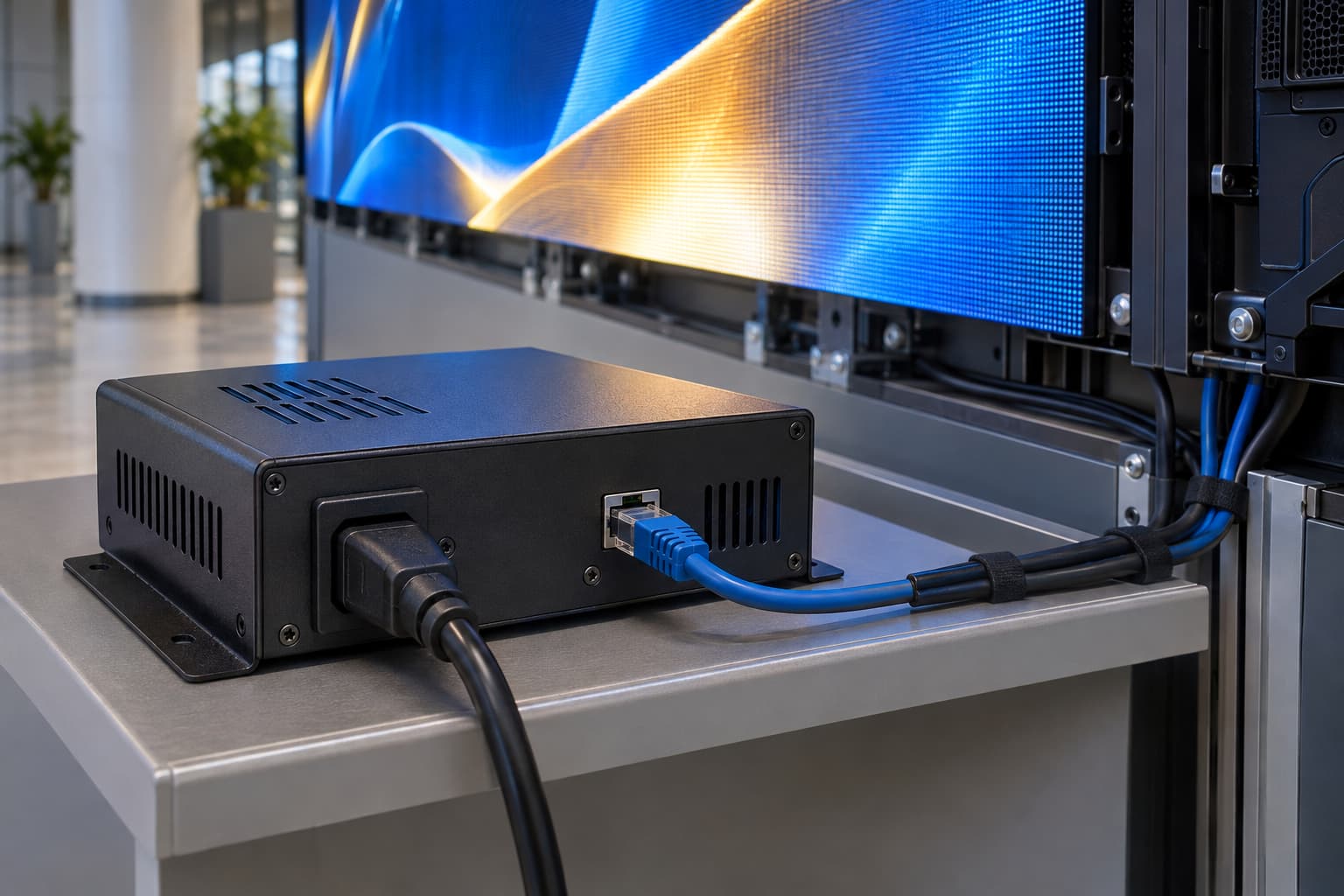
Confirm what the phone is doing during the demonstration. Uploading a program to a player differs from using the phone as a live content source. For stored playback, ask the supplier to show that the complete program has reached its intended destination. Then have the operator close the application or disconnect through the approved process while someone checks the screen. If the system mirrors the phone’s live output, assess the connection required for that function separately. A successful file upload does not demonstrate live mirroring, and a mirroring demonstration does not establish independent stored playback. Keep the test tied to the intended use. A shop manager leaving after publishing a promotion presents a different requirement from a presenter sharing a phone screen during a meeting.
How Do You Test Offline LED Screen Playback?
Arrange a controlled test with the supplier or responsible technician. Use representative content and the proposed equipment, and agree on a suitable time before interrupting any connection. The purpose is to isolate the internet dependency while preserving the connections needed for normal local playback. Do not unplug unidentified network cables, because some connections may carry display data or serve other equipment.
Use this sequence:
- Identify the configuration. Record the player, content source, software, and intended program.
- Publish the complete program. Follow the supported process and confirm normal playback.
- Define the interruption. Ask the responsible technician which connection represents loss of internet access.
- Observe the whole layout. Check video, images, online elements and scheduled changes relevant to the test.
- Restore connectivity. Record how management access and any online content recover.
- Document the result. Keep the program reference, test conditions, and unresolved items together.
Agree on the observation period according to the operating requirement. A brief clip playing successfully does not establish that an entire campaign or schedule behaves as expected.
What Happens After a Power Cut?
Offline playback and recovery after power loss require separate checks. A screen that continues through an internet interruption has not yet demonstrated what it does after a restart. Ask the technician to perform the approved shutdown and restart procedure. Confirm which program appears, whether any operator action is necessary, and how relevant playback times behave. Include the conditions that matter to the business. If the installation must start before staff arrives while internet remains unavailable, explain that requirement before selecting the control package. Record any limitations. Do not turn one successful restart into a general claim about every outage or every configuration. The acceptance result should identify the equipment and operating conditions it covers.
Why Could the Screen Stop Even Though the Video Was Uploaded?
Begin by checking what “uploaded” meant in that system. A file reaching an online account does not, by itself, establish that the intended player has downloaded and accepted the complete program. Ask support to confirm where the media resides and which program the player is running. Provide the file reference, destination device and messages shown during publication. Other checks may concern program selection, playback times or an online element within the layout. Follow the supplied troubleshooting instructions rather than changing several settings at once. When comparing LED display products, request the control package specification alongside the screen proposal. Offline behavior belongs to the complete installation and should form part of its acceptance requirements.

What Should You Confirm Before Ordering?
Describe the business requirement in a short operating statement. For example: “The approved retail campaign must remain available during an internet outage, and authorised staff need a documented way to replace it locally.”
Ask the supplier to confirm:
- Where the approved program and media files reside.
- Which content elements depend on internet access.
- What appears when an online source becomes unavailable.
- Which local publishing methods the equipment supports.
- How playback behaves after an approved restart.
- What staff can check without technical assistance.
- Which demonstration will establish acceptance.
For a project-specific playback recommendation, provide the display location, sample content, update frequency and available connections. Include any need for remote management or coordinated playback across several screens. Keep those functions separate in the proposal. Independent local playback does not establish that remote updates, monitoring, or synchronization remain available under the same conditions.
An LED Screen Can Keep Playing When Its Content Source Works Offline
An LED screen without internet can continue displaying content when the complete playback arrangement supports the required offline task. Local availability of the media is one condition; program settings, connected equipment and any online dependencies also need review. Choose the required behavior first, then test it using the proposed configuration and representative content. Include restart behavior and local updates if staff will rely on them. The useful acceptance evidence is specific: which program continued, which functions became unavailable, and what the operator needed to do. Those results provide a clear basis for everyday operation when the internet connection fails.