
A kinetic LED screen can produce sound during movement because its display sections use a mechanical drive system. How noticeable the sound is depends on the equipment, movement programme, installation, and surrounding environment. Buyers should assess the proposed configuration rather than assume every moving display sounds the same. For a showroom or exhibition booth, the practical question is whether the movement will interfere with conversation, presentations or the intended atmosphere. A screen may look impressive in a promotional video while leaving that question unanswered. Assess kinetic LED screen noise alongside the visual effect. Ask for a demonstration with original sound, explain where people will stand and agree on how the completed installation will be checked.
Where Can Sound Come From?
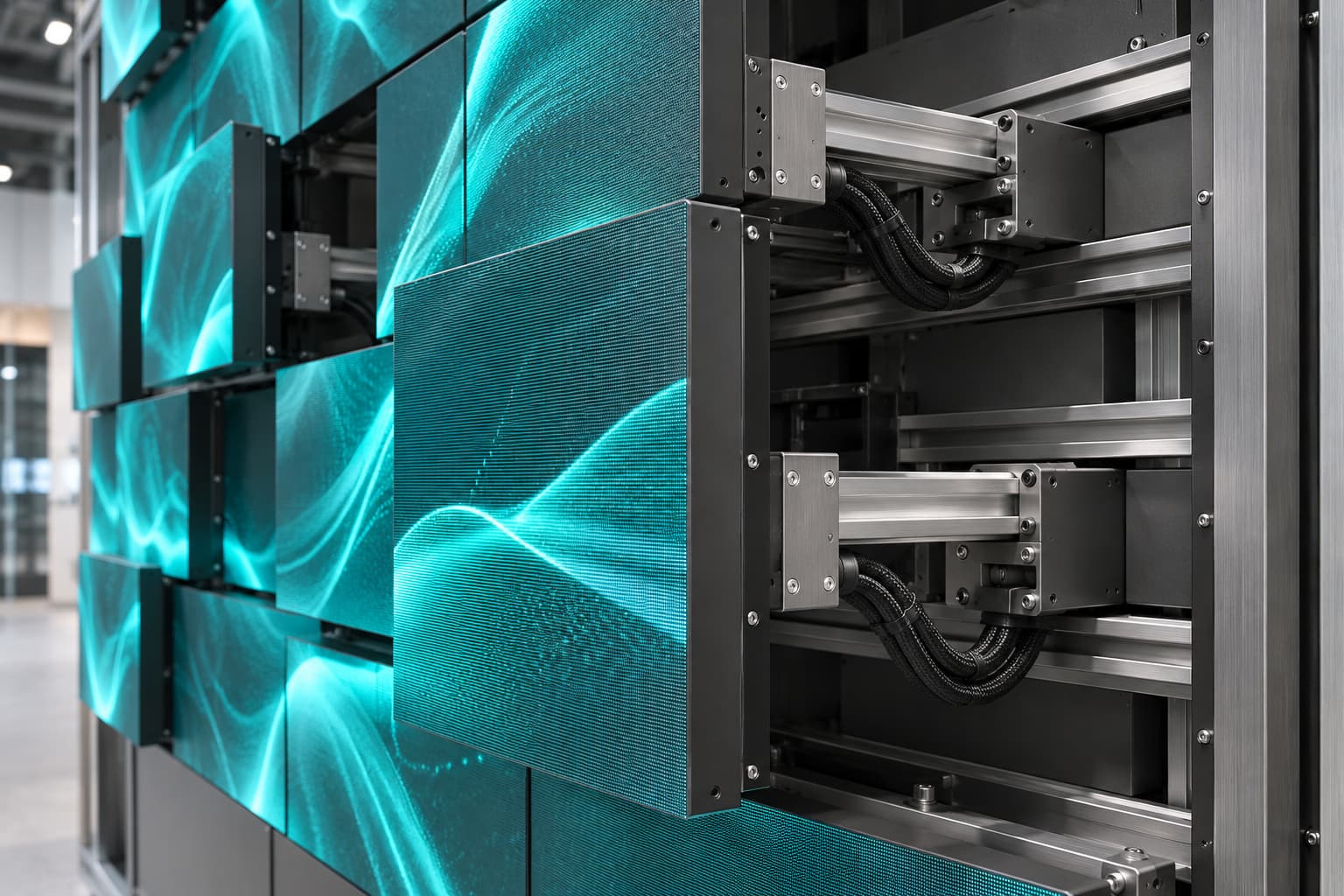
The moving image and the moving structure are separate parts of the experience. Physical movement requires a drive mechanism, so the assessment needs to include the complete assembly behind the LED surface. Ask the supplier to identify the sound sources relevant to its design. These may involve the drive mechanism, moving components or vibration transmitted through the support arrangement. Cooling equipment, where fitted, should also form part of the review. A recording alone cannot establish which component produces a particular sound. If a demonstration includes a noticeable click, hum or vibration, ask the supplier to explain it and show the expected behaviour of the proposed configuration. For background on the product, review how a kinetic LED screen works. Understanding the physical movement helps buyers ask more useful questions about the operating sound.
Will People Hear It While Talking Nearby?
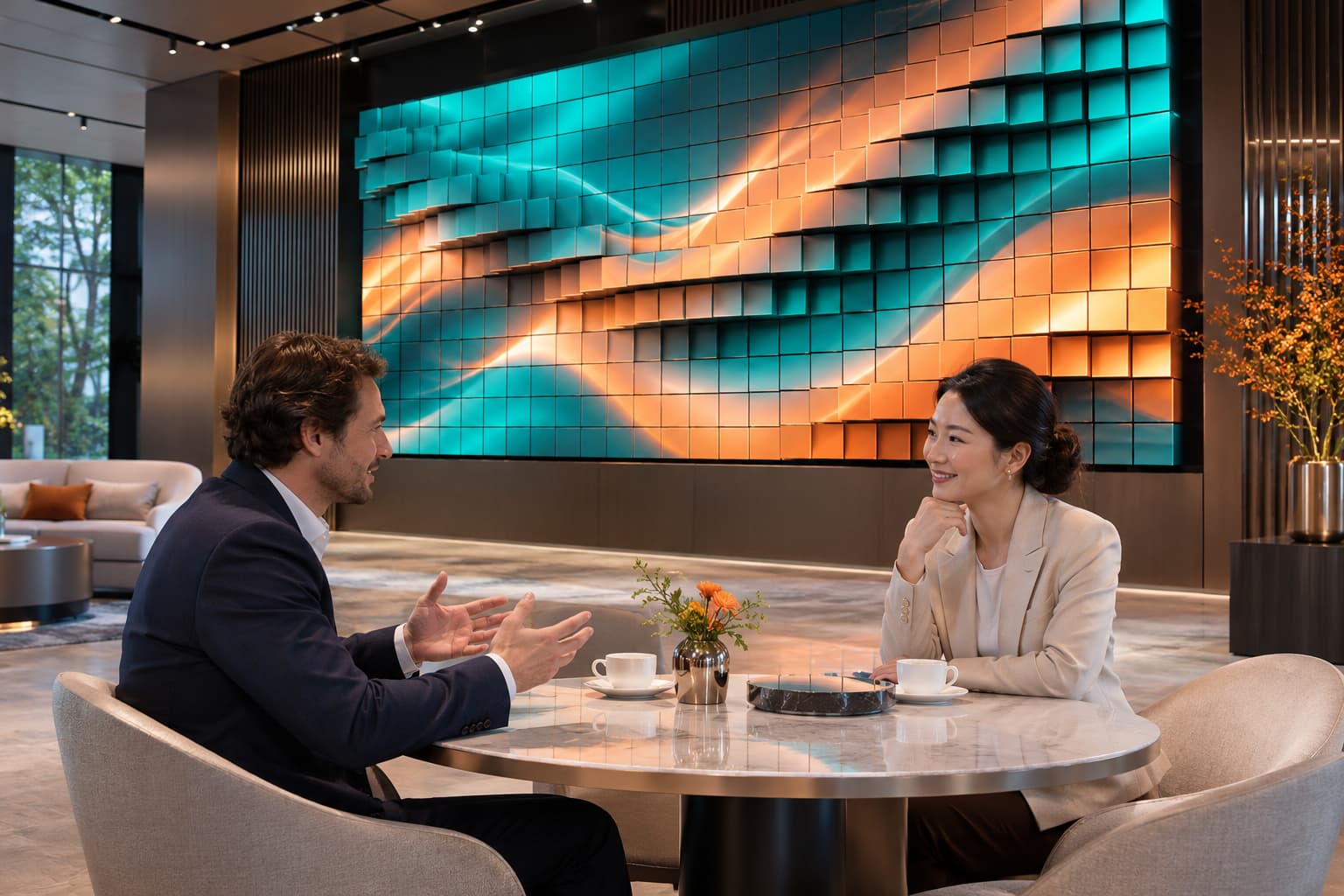
Start with the activity around the screen. A busy exhibition aisle, a quiet reception desk and a product demonstration area create different expectations for the same installation. Describe where staff and visitors will speak. Include the nearest conversation area and any position where a presenter will address an audience. Then assess the display from those locations during representative operation. Do not rely only on a demonstration with background music. If the venue sometimes operates without music, include that condition in the review. A purchasing decision should reflect the quiet periods as well as the busiest part of the day. When comparing kinetic LED display options, explain the intended atmosphere early. “Visitors will discuss products beside the screen” gives the supplier a clearer requirement than “we need a quiet display.”
Why Is a Promotional Video Not Enough?
A promotional video shows the visual concept, but its soundtrack may contain music, narration or edited audio. Even a clip with original sound reflects the recording position and equipment used. Ask for a continuous recording that includes a short period before movement begins, the complete motion sequence and the return to its approved resting state. Request original sound without music or noise removal. Have the supplier identify the demonstrated equipment and approximate microphone position. Also ask whether the sample represents the size, support arrangement and motion programme proposed for your project. Use the recording as an initial reference. It can help identify questions for a demonstration, but it cannot replace assessment at the intended listening positions or a properly defined measurement when one is required.
How Should You Compare Kinetic LED Screen Noise?
Compare equivalent operating conditions. A small sample running a gentle sequence and a larger installation performing a different programme do not provide a like-for-like comparison. Request information that explains the test rather than accepting an isolated number. If a supplier provides a decibel figure, ask what it represents, how it was measured and which equipment was operating.
The following checklist helps organise the discussion:
| Item to confirm | What the record should explain |
|---|---|
| Display configuration | Model, demonstrated size and number of moving sections |
| Motion programme | The sequence used, including starts, stops and direction changes |
| Listening or measurement position | Distance and location relative to the display |
| Surroundings | Background activity, music and other operating equipment |
| Installation | Support arrangement and any difference from the proposed site |
| Measurement information | Method, instrument and reported acoustic quantity, where applicable |
| Acceptance requirement | What the customer and supplier agree to verify on site |
Public guidance on choosing quieter equipment recommends asking suppliers about noise under intended operating conditions and checking the requirement after installation. This provides a useful purchasing approach; it does not establish a noise rating for a particular display.
Does the Movement Programme Make a Difference?
Include the intended motion sequence in the demonstration. The sound heard during one programme should not automatically stand in for every movement the system can perform. Ask the supplier to demonstrate representative operating modes within the approved limits. Include the transitions that matter to the presentation, rather than assessing only a short section of continuous movement. If the creative team later changes the sequence, determine whether the revised programme needs another review. Keep the accepted video and motion files together so the project team knows which version passed the demonstration. Any adjustment must remain within the supplied system’s authorised controls. Review the distinction between selecting an approved programme and editing kinetic screen motion after installation before assigning changes to ordinary operators.
What Should a Showroom Check That an Exhibition Might Miss?
A showroom may host detailed conversations close to the display throughout the day. An exhibition booth may combine moving visuals with announcements, neighbouring stands and changing visitor traffic. These examples suggest different test conditions. They do not mean one venue can ignore sound or that another automatically needs a different product.
Use the intended activity to define the review:
- Showroom: Hold a normal product conversation at the planned consultation position.
- Reception: Check the experience at the desk and nearby waiting seats.
- Exhibition booth: Review both quiet setup conditions and representative visitor activity.
- Presentation area: Assess the sequence during speech and any planned pauses in the presentation.
Confirm the requirement with the people who use the space. Their observations help identify practical concerns, while formal acoustic assessment remains a separate task when the project requires it.
Can the Installation Affect What You Hear?
Yes. The mounting arrangement can affect how vibration travels through the supporting structure and how noticeable the operating sound becomes. A display demonstrated on a temporary frame may sound different after installation at your venue. For a 3D kinetic moving display, the screen, movement system and support structure should be assessed together. Nearby walls, decorative panels and conversation areas also need consideration when reviewing the proposed installation. If you are planning a showroom, retail or exhibition installation, contact us to discuss your kinetic LED screen project. Share your screen dimensions, installation location, site photos and nearby seating or conversation areas. Our team can review the proposed setup and discuss a suitable demonstration to help you assess operating sound before ordering.
What If the Sound Changes After Installation?
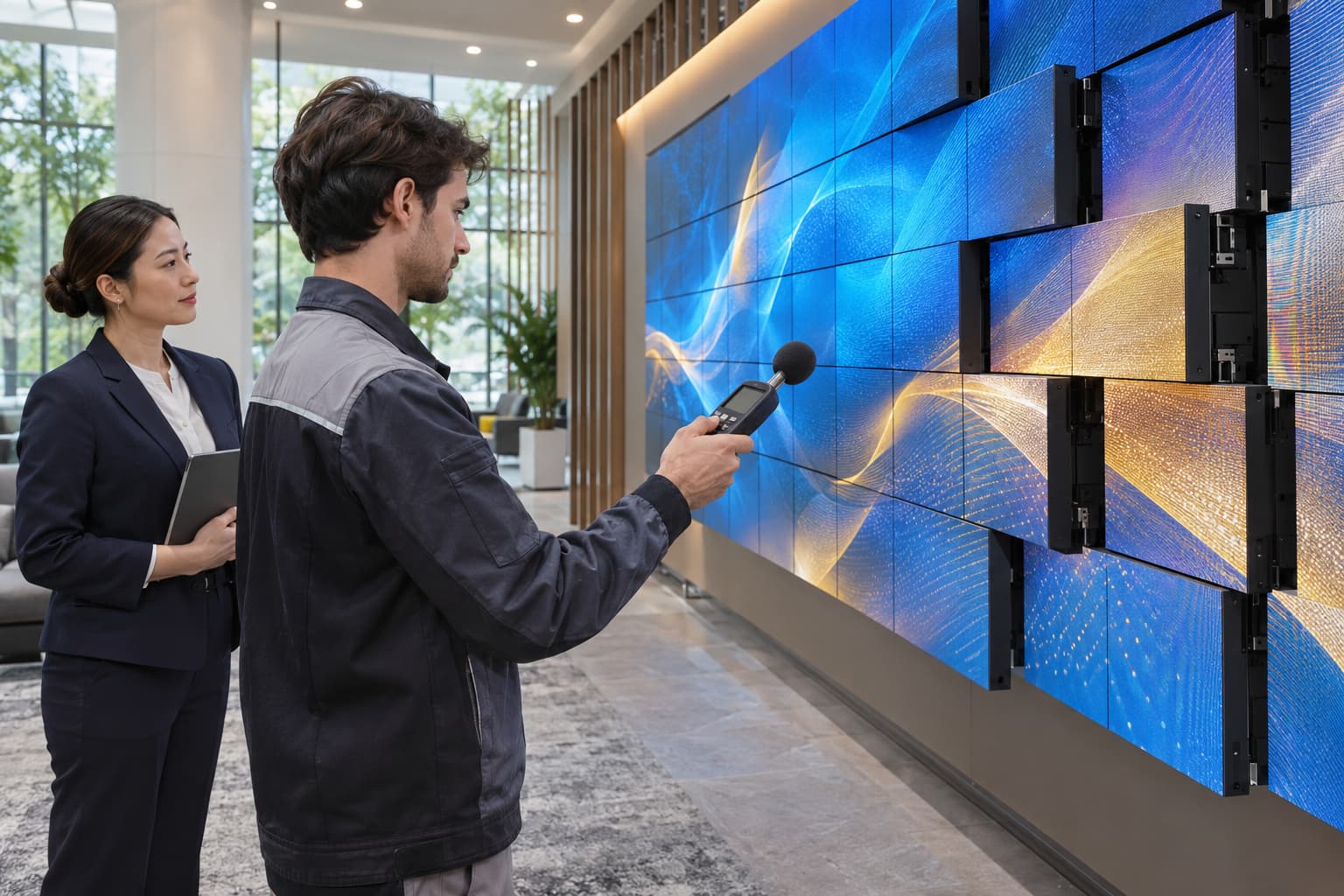
Establish a reference during handover. Keep a record of the accepted programme, operating conditions and expected behaviour so staff have something specific to compare against later. If the installation develops a new sound, document when it occurs and which section appears affected. Note any change in movement or recent work, and contact the responsible support team. Follow the supplied stop and reporting instructions if the sound accompanies irregular movement, contact between components or another unexpected condition. Do not treat a new sound as harmless simply because the display still shows an image. Leave mechanical adjustments and specialist inspection to authorised personnel. Operators can collect useful observations without opening the mechanism or changing its limits.
A Kinetic LED Screen Can Make Sound, So Test It in Context
Kinetic LED screen noise needs assessment against the intended room and activity. A general description such as “low noise” does not establish how visitors will experience a particular installation. Use representative motion, listen from the planned audience positions and keep the demonstration conditions clear. If the project needs a numerical acceptance limit, agree on the measurement method and relevant conditions with qualified support. Choose the configuration after reviewing both movement and sound. The useful result is a documented agreement about what the completed installation must demonstrate, rather than an unsupported promise of silent operation.