
A multi-sided rotating LED display can complete one revolution and continue into the next while its images remain synchronized. It still depends on power, video processing, receiving cards, and control equipment. Some components rotate, while others remain fixed. The screen needs uninterrupted power and video data throughout its movement, but external cables cannot follow the frame around the shaft indefinitely.
A cable connected directly to the moving screen would wind around the axis after one revolution. Further turns would stress the conductors and restrict the mechanism. Extra cable length would only postpone the failure. A rotating LED display divides the electrical system into stationary and moving sections. A rotary transmission interface connects them at the axis. Fixed cables end on one side, while separate cables travel with the screen. Power and signals cross the interface without wrapping a cable around the shaft.
Why Direct Cables Twist in a Rotating LED Display
A cable can bend within a controlled range, but it cannot absorb unlimited torsion. When one end remains stationary, and the other follows a rotating display, the cable stores more twist with every revolution. Repeated twisting can deform the jacket, fatigue conductors, loosen connectors, and disturb signal quality. A flexible loop supports limited movement, but continuous rotation requires an electrical boundary designed for rotary motion.
A Rotating LED Display Separates Fixed and Moving Circuits
The electrical architecture has three functional sections: the fixed side, the rotary transmission interface, and the rotating side. Each section has a different role.
The Fixed Side of the Rotating LED Display
The fixed side may contain the power input, protection devices, video controller, media source, and network connection. Its cables end at the stationary interface and remain fixed.
The Rotary Interface in a Rotating LED Screen
The interface sits around or near the rotation axis. Its stationary section connects to the fixed equipment, and its rotor section moves with the LED structure. The interface may use conductive contacts, rolling contacts, optical transmission, or another rotary connection. A contact-based device is often called a slip ring. The broader term rotary joint describes an assembly that transfers power or signals between stationary and rotating sections. The exact component depends on the configuration.
The Moving Side of the Rotating Display
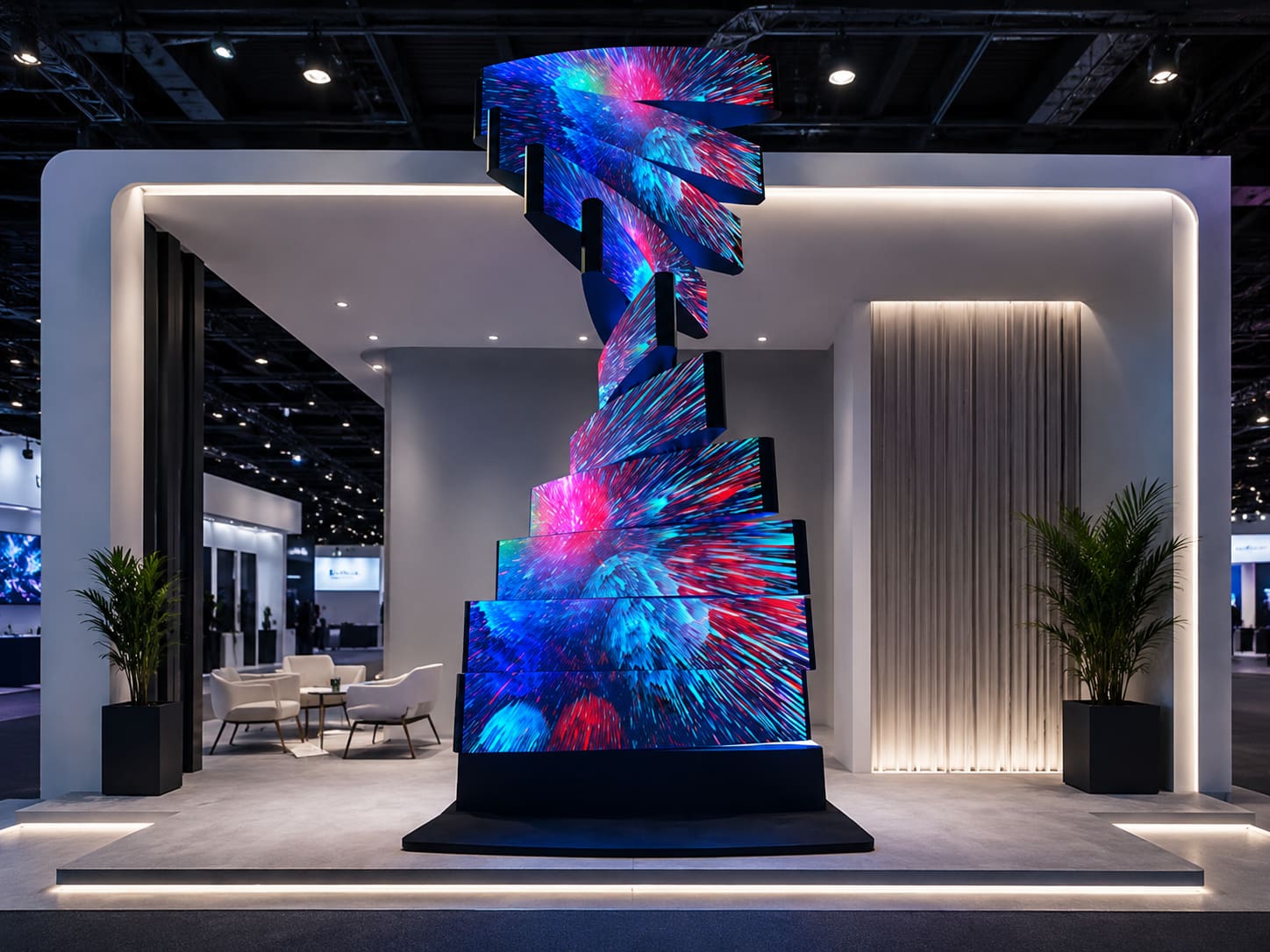
The rotating side includes the LED modules and equipment on the moving frame. Its local wiring moves with the screen, so it does not twist around the shaft. The DNA Rotating LED Screen follows this concept. Its product information lists double-sided flat, double-sided curved, and triangular models.
How Does a Rotating LED Screen Receive Power Through Rotation?
Dedicated channels inside the rotary interface carry electricity from the stationary input to the moving LED system throughout the rotation. One configuration may transfer AC power to supplies on the rotating frame. Another may transfer DC power from the fixed side. The arrangement depends on voltage, current, module layout, space, and load. The channel design must account for startup current, temperature rise, grounding, protection, and independent power branches.
How a Rotating Display Receives Video and Control Signals?
Power continuity alone cannot keep the image running. The rotating LED screen must also receive video data, timing information, and control commands while moving. The controller sends data to rotating-side receiving cards through signal-rated conductive channels or an optical rotary connection. Local control equipment can reduce the required paths. Signal design must consider bandwidth, refresh requirements, protocol, shielding, and grounding. Electrical noise from motor and power circuits may require path separation or optical isolation. The same principle applies to a flat, curved, or multi-sided rotating LED screen. Screen shape changes the module arrangement, while the rotary boundary keeps the same function. A Kinetic LED Display may combine lifting, folding, or rotating movement. Only a continuous rotation axis needs this rotary interface; other axes may use flexible cables or cable chains.
One Full Rotating LED Display Turn Does Not Twist Cables
One complete turn shows how the stationary and moving circuits remain separated.
- At 0 degrees, fixed cables enter the stationary interface, while separate cables connect its rotor side to the moving equipment.
- At 90 degrees, the LED structure and its local wiring move together. The external cables remain fixed.
- At 180 degrees, the sections change their relative position while internal paths continue carrying power and data.
- At 270 degrees, moving-side wiring follows the screen without pulling on the fixed cables.
- At 360 degrees, the display returns to its original orientation. Neither cable group accumulates additional turns.
The sequence can continue in one direction without reversing to release stored cable twist.
Limited-Angle and Continuous Rotating Displays Use Different Cable Strategies
The rotation range determines the cable arrangement. Restricted-angle and continuous models have different requirements.
Limited-Angle Rotating Display Movement
A screen moving through a defined angle may use a flexible loop, drag chain, or guided cable path. The controller reverses direction before the cable reaches its limit.
Continuous Rotating LED Display Movement
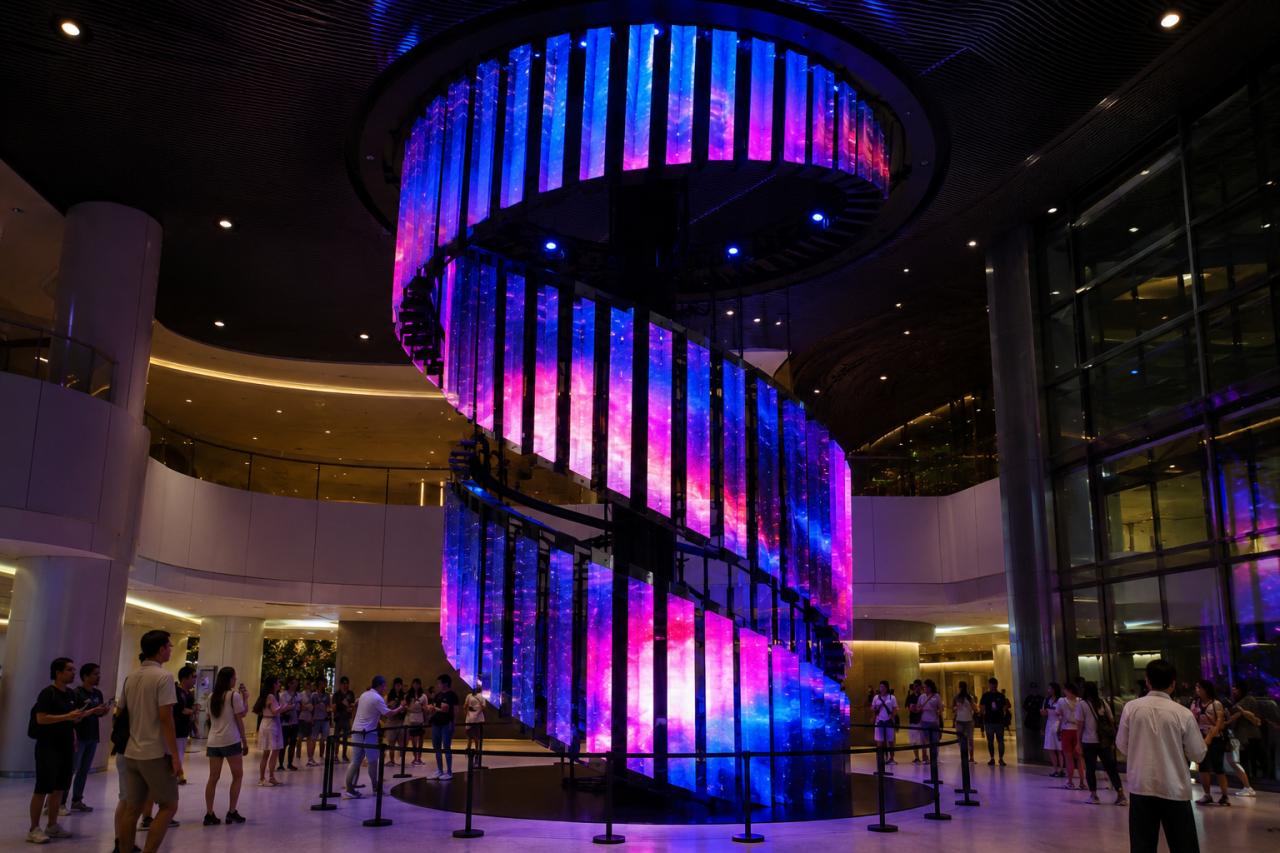
A continuous rotating display can keep turning in one direction. With no unwind point, each connection across the fixed-to-moving boundary must pass through a rotary interface. JR Visual’s product page lists infinite rotation and 7/24 operation for the DNA display. Confirm the exact assembly, electrical rating, signal method, rotation speed, and service requirements for each model. Other kinetic LED screen structures may combine several movement methods. Each axis needs a cable solution suited to its motion.
A Rotary Transmission Interface Prevents Cable Twist
A rotating LED display avoids cable twist because an ordinary cable does not run directly from the stationary structure to the continuously turning frame. Fixed-side cables end at the stationary section of the rotary interface. Separate moving-side cables connect its rotor section to the LED modules and control equipment. Power and data cross the interface through conductive, optical, or other rotary transmission paths.
With each revolution, external wiring stays fixed while local wiring moves with the screen. The interface handles their relative movement, allowing repeated 360-degree rotation without torsion around the shaft. The final design depends on power load, bandwidth, channel count, rotation speed, screen structure, and operating schedule. These parameters determine how a rotating display maintains power and video transmission without twisting its cables.