
Most LED display maintenance guides cover the obvious: wipe the screen, check the cables, update the content. A 360 rotating LED display demands more than that. The motion system introduces a separate set of failure points that a standard flat-screen checklist will miss entirely — and ignoring them is how expensive equipment ends up offline during a peak event.
Start With the Rotation System
The rotating mechanism is what sets a 360-degree rotating LED display apart from every other screen type. It’s also the first thing to check, because mechanical wear shows up gradually — and quietly, until it doesn’t. Before inspecting anything else, power on the unit and observe the full rotation cycle from a fixed position. Products like the DNA Rotating LED Display are engineered for continuous rotation under commercial load — but that durability still depends on consistent maintenance.
Listen for Unusual Motor Noise
Power on the display and listen before looking at anything else. A healthy motor runs at a consistent, low hum. Friction sounds, irregular clicking, grinding, or sudden volume changes during rotation all point to problems worth investigating. These noises typically indicate debris near the drive shaft, a worn bearing, mounting fatigue, or uneven mechanical load. If the sound appears once and disappears, note it. If it repeats, contact the supplier — don’t wait.
Check for Shaking or Uneven Movement
Watch the full rotation cycle at normal operating speed. The movement should be smooth and consistent, with no visible wobbling, stuttering, speed variation, or angular drift. Even slight instability affects how the content reads from floor level. More importantly, uneven movement under load can accelerate wear on bearings and drive components, shortening the service life of the entire system.
Inspect the Base and Support Structure
Check that all mounting bolts, base plates, and structural fasteners are tight. Vibration from continuous operation gradually loosens hardware, especially in high-traffic environments like retail malls, airports, or exhibition halls. Also, confirm that nothing has been placed or hung within the rotation path — cables, decorative props, and temporary signage have all caused unnecessary downtime in real installations.
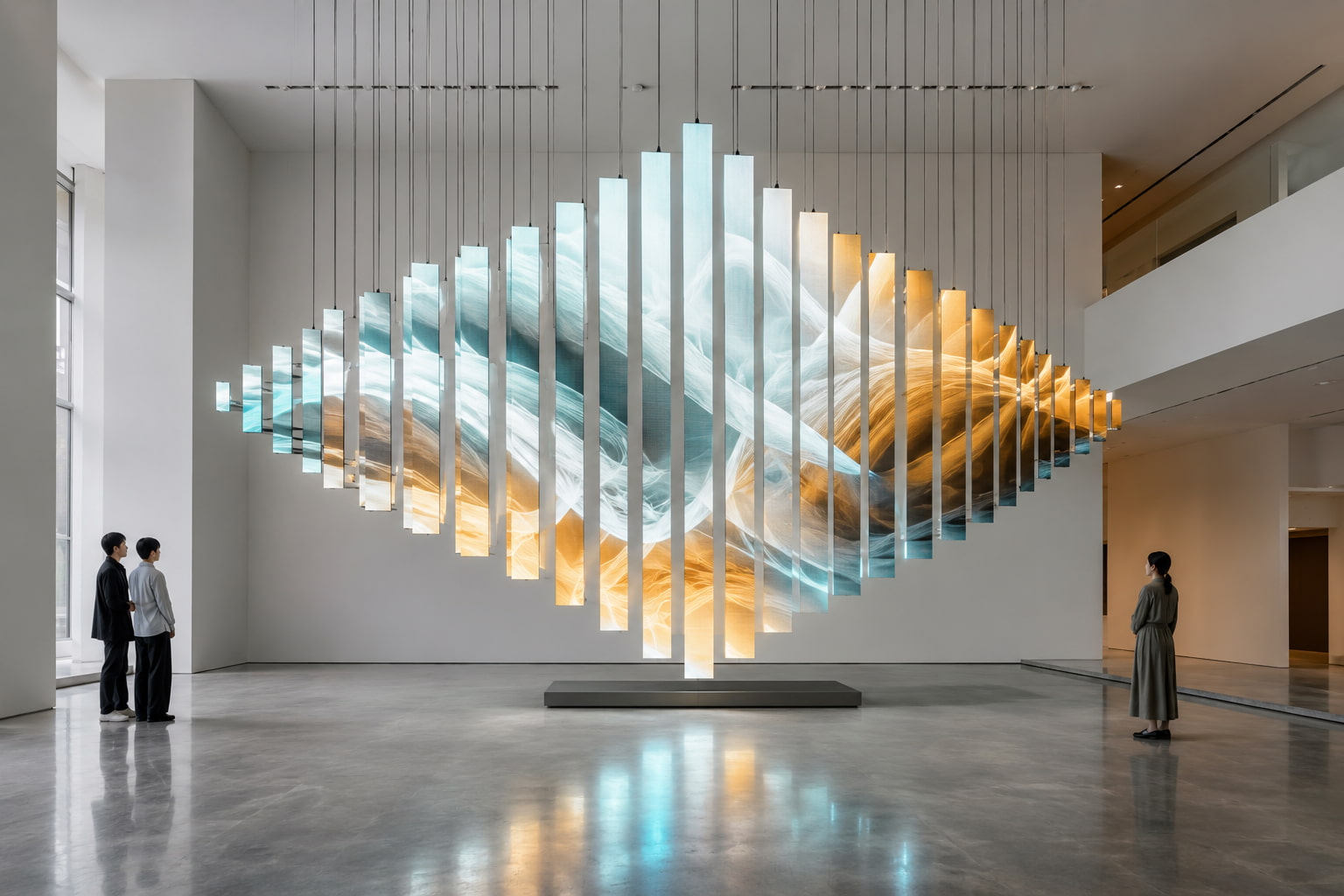
Keep the LED Surface and Cabinet of Your 360 Rotating LED Display Clean
Cleaning a rotating LED display takes more care than wiping down a standard panel. The cabinet design, ventilation placement, and module density all affect how dust accumulates — and where it causes the most damage over time. This applies whether you’re maintaining a single-unit installation or a larger array of LED display products across multiple venues.
Clean the Screen With the Right Tools
Use a dry, soft microfiber cloth for routine cleaning. If the surface needs more attention, a lightly dampened anti-static cloth is acceptable — never spray liquid directly onto the panel. Avoid any solvent-based or abrasive cleaning products. Fine-pitch LED modules are especially sensitive: pressing too hard on the surface can shift or damage individual diodes, and the protective coating on some panels is not as forgiving as it looks.
Remove Dust From Gaps and Edges
Module seams, cabinet edges, ventilation slots, and structural joints accumulate dust faster than the visible screen surface. In busy commercial environments, this buildup can be significant within a few weeks. Blocked ventilation directly affects heat dissipation — sustained elevated temperatures reduce the operational lifespan of power supplies, control boards, and LED modules. A compressed air blower or soft brush works well for these areas; don’t skip them during cleaning cycles.
Check Power and Signal Connections on a 360 Rotating LED Display
A rotating display creates physical stress on cables that a fixed installation never experiences. Every connection point — power, signal, and control — needs to be evaluated not just for current condition, but for signs of ongoing wear caused by the motion cycle.
Look for Loose or Worn Cables
Check power cables, signal lines, and all connectors for signs of wear: fraying, pinching, sharp bends, or contact marks that suggest rubbing against the rotating frame. Cables that pass through or near the rotation path need particular attention — any line under tension or in contact with moving parts is a reliability risk.
Watch for Flicker, Black Areas, or Color Shift
Run the display through a full-color test pattern and observe closely. Flickering, localized black zones, brightness inconsistencies, or color deviations don’t always indicate a failed LED module. The same symptoms can come from a loose power connection, a signal cable with intermittent contact, a receiving card fault, controller settings drift, or playback software configuration. Diagnosing the source of the issue matters before ordering replacement parts.
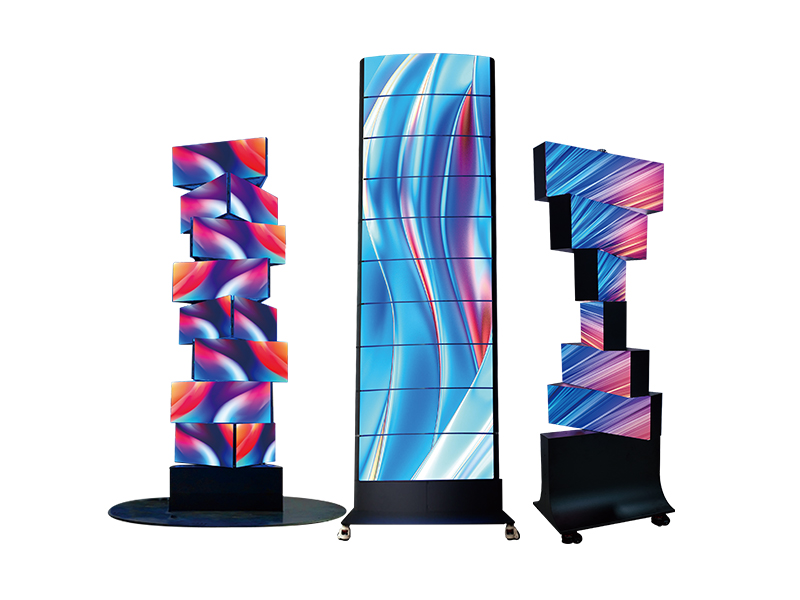
Test Content Playback on Your 360 Rotating LED Display
Standard playback testing isn’t enough for a rotating screen. The content has to work in motion — at every angle, across the full rotation cycle — not just look correct on a static preview. This is especially true for multi-axis installations like the 3D Kinetic LED Display, where content timing must align precisely with movement patterns to achieve the intended visual effect.
Match Video Timing With Rotation Speed
The display isn’t just showing content — it’s showing content in motion. If a brand message or key visual appears at the wrong point in the rotation cycle, viewers at a specific angle will miss it entirely. Rotation speed and video timing need to be calibrated together. Any time new content is uploaded, test playback during off-peak hours before the display goes back into full operation.
Check Both Sides of the Display
Dual-sided configurations require independent verification on each panel. Check brightness levels, color accuracy, image integrity, and sync status on both faces separately. Mismatched brightness or a sync offset between the two sides is immediately noticeable — and in a high-end installation context, it undermines the entire presentation.
Build a Simple Maintenance Schedule
A structured schedule removes guesswork and makes it easier to catch issues before they escalate. For a 360 rotating LED display running in a commercial environment, the following intervals work in practice.
Daily Visual Check
Confirm the screen powers on correctly, rotation is smooth, motor sound is normal, and nothing is obstructing the rotation path. This takes under two minutes and catches most early-stage problems before they lead to downtime.
Weekly Cleaning and Cable Check
Clean the LED surface, cabinet edges, and ventilation areas. Inspect all visible cables and connectors. Check the immediate environment for anything that may have shifted into the rotation zone since the last inspection.
Monthly System Check
Run a full system review — power stability, signal integrity, control system status, content playback, module condition, structural fasteners, and overall performance. Displays running 12 or more hours per day benefit most from consistent monthly reviews.
Annual Professional Inspection
Arrange a professional inspection by the supplier or a qualified technician. Motor condition, bearing wear, drive system integrity, structural load capacity, control parameter calibration, and electrical safety all require specialist evaluation. Annual checks reduce the risk of a major fault developing undetected — and considerably lower long-term maintenance costs.
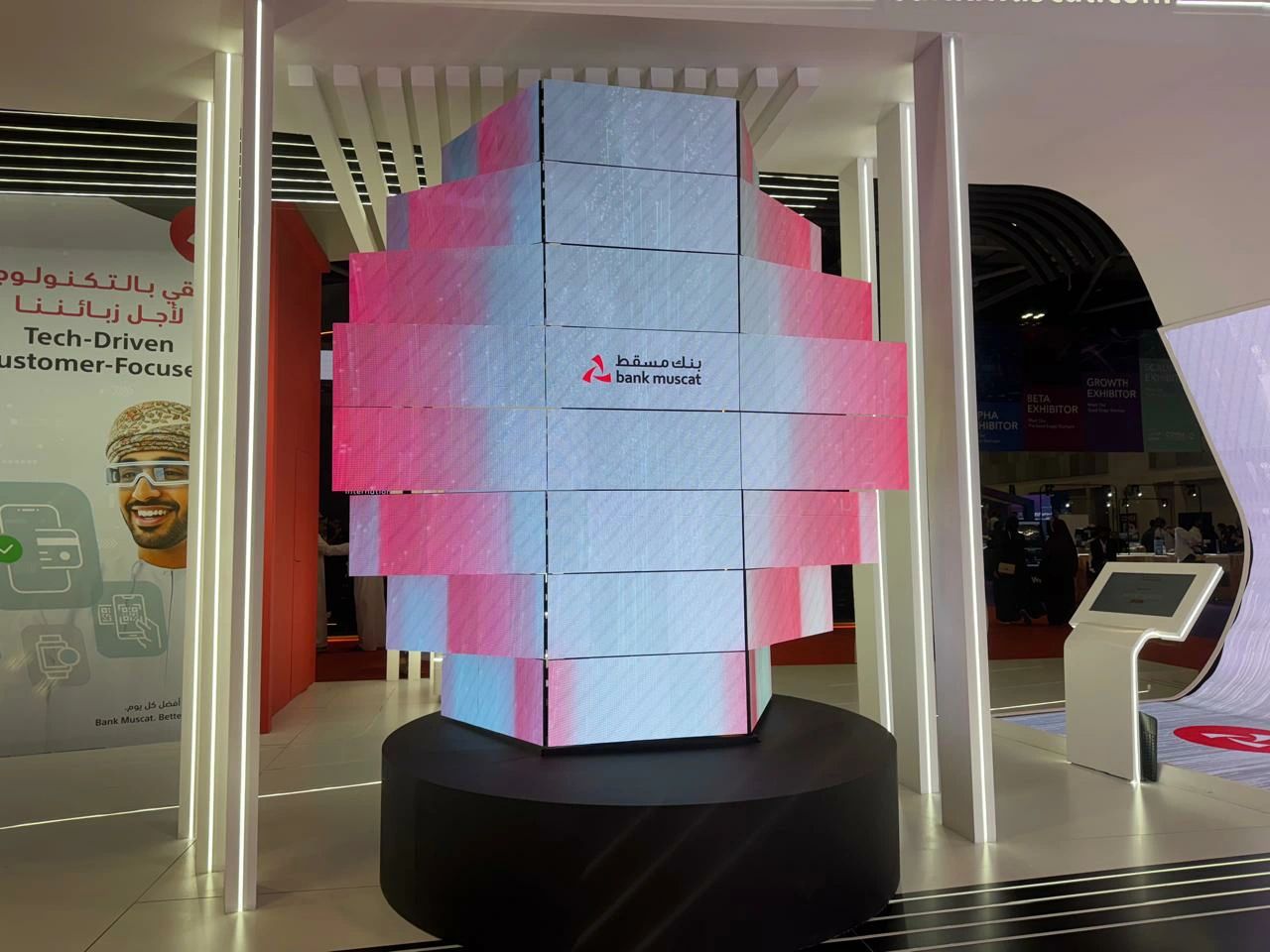
Contact the Supplier When These Problems Appear on a 360 Rotating LED Display
Some faults require more than routine in-house maintenance. Knowing when to escalate prevents misdiagnosis and avoids making a manageable problem worse through repeated adjustment attempts.
Mechanical Problems
Significant shaking during operation, a sudden increase in motor noise, inconsistent rotation speed, angular positioning errors, or any loosening in the base or support framework — contact the supplier when these appear. They may involve the motor, bearings, drive assembly, or load-bearing structure.
Display or Control Problems
Persistent flickering, repeated black zones in the same module area, loss of sync between dual panels, abnormal module surface temperature, the control software failing to recognize the display, or playback system errors that don’t resolve with standard troubleshooting — all of these warrant a supplier call. The JR Visual technical team handles post-installation support directly, which reduces the diagnostic back-and-forth common with third-party service channels.
A 360 Rotating LED Display Needs Both Screen and Motion Maintenance
Maintaining a 360 rotating LED display means managing two systems at once: the LED display itself and the motion system driving it. Neither can be treated as secondary. A consistent schedule covering daily observation, weekly cleaning, monthly system review, and annual professional inspection keeps the display running reliably, reduces unplanned downtime, and extends the service life of every component. That’s a better return on a significant piece of equipment.