
A kinetic LED screen adds physical movement to a digital surface, so the project team must coordinate structure, mechanics, controls and media before fabrication begins. A layout that looks convincing in a concept render can still fail when the travel path conflicts with a ceiling feature, the support frame lacks stiffness, or the content reaches a visual beat before the modules reach position. Early planning turns the creative idea into measurable requirements for every supplier and contractor.
Define the Kinetic LED Screen Effect Before Selecting Hardware
Start by describing the intended movement in plain operational terms. Record which parts move, the direction of travel, the number of motion groups, the home position and the viewing angles. A rotating display and a surface that moves forward in independent zones create different loads, cable paths and content needs. The effect brief should state the longest continuous sequence and how often it repeats during a normal operating day. Choose the product family after you define the movement. The DNA Rotating LED Screen supports rotating formations and double-sided viewing formats described on its product page. The 3D Kinetic LED Display supports forward-and-back modular movement that creates physical depth. These formats solve different spatial problems, so a buyer should compare motion type before pixel pitch or cabinet size.
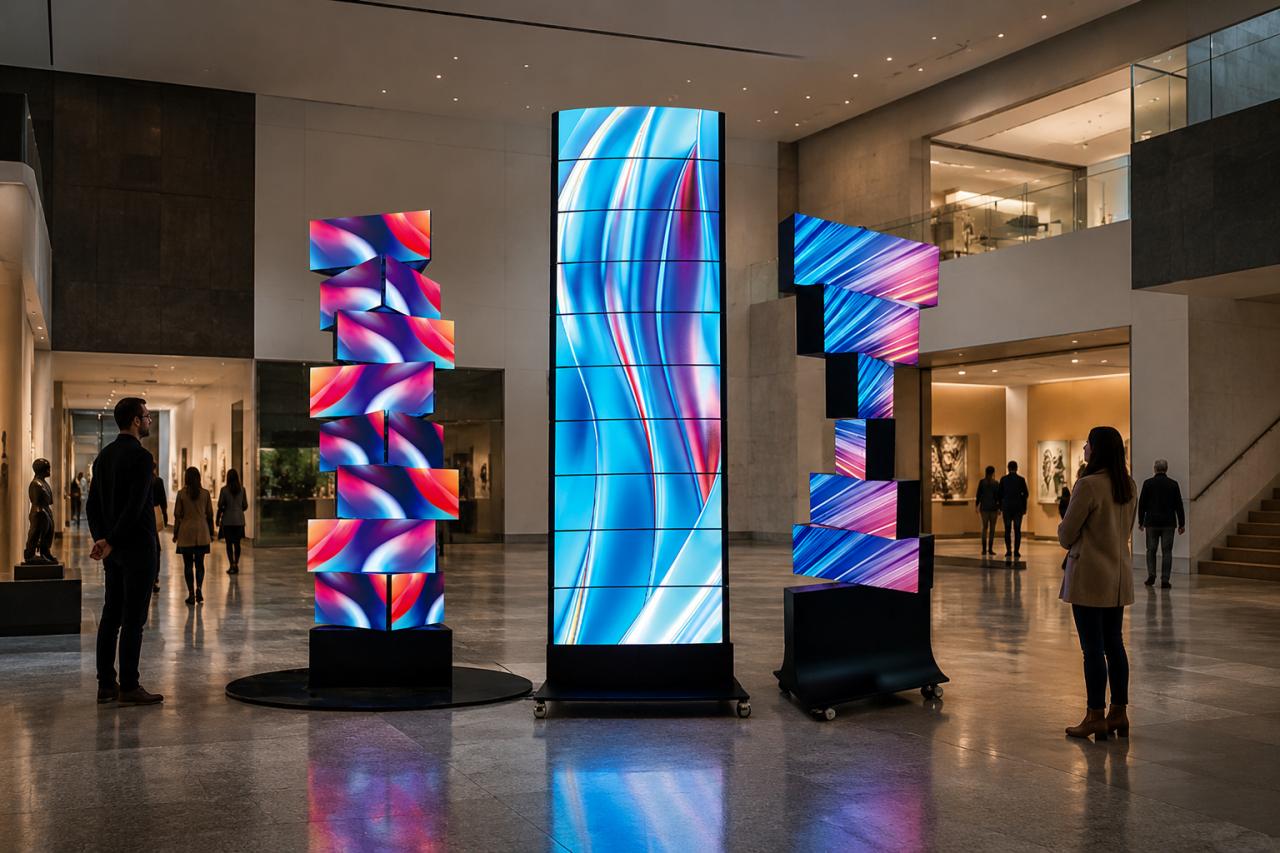
Survey the Kinetic LED Screen Space and Motion Envelope
A site survey must capture the display face and every position the moving parts can occupy. Mark the lowest, highest, nearest and farthest points of travel. Add clearance for tolerances, cable loops, access panels and installation tools. Record ceiling services, sprinklers, ventilation, lighting tracks, doors, walkways and other objects that could enter the movement zone. Measure from fixed building references rather than finishes that may change. Confirm the support plane, finished floor level and visible opening separately. For suspended work, document the approved attachment points and the space needed above the visible display. A qualified structural professional should review the building interface and the loads supplied by the equipment team.
Calculate Kinetic LED Screen Loads for Every Position
The structural check should cover more than total display weight. Ask for the mass of moving units, frames, motors, power supplies, cables and decorative finishes. The assessment should also consider acceleration, deceleration, uneven group positions and the forces created when motion stops. The support must remain stable when the screen is flat, extended, rotated or parked for service.
Separate Kinetic LED Screen Loads From Building Loads
Define who supplies each value and who approves it. The kinetic system supplier can provide equipment weights and operating forces supported by the selected configuration. The project engineer can evaluate anchors, trusses, beams and secondary steel against local requirements. This division prevents a concept-stage estimate from being treated as a final structural calculation.
Plan Kinetic LED Screen Cable Movement With the Mechanism
Power and signal cables need a controlled bend path through the complete stroke. Check minimum bend radius, strain relief, separation from pinch points and access for replacement. Select cable chains, loops, and connectors for the expected movement pattern. A cable that survives one demonstration may still wear quickly when the same sequence runs throughout the day.
Build Kinetic LED Screen Safety Controls Around Moving Parts
Treat the kinetic LED screen as moving equipment during design reviews. Identify crush, pinch, shear, impact and falling-object hazards for installers, operators and visitors. OSHA’s machine guarding guidance explains why you must eliminate or control hazardous mechanical motion. Applicable legal and technical requirements still depend on the installation country, venue, and final machine design. A project-specific safety plan may include restricted zones, physical barriers, monitored access, emergency-stop devices, travel limits and a defined safe state after a fault. Confirm how the system responds to a power loss, position error, communication interruption or obstruction. Assign responsibility for risk assessment, control validation and final acceptance instead of assuming that one contractor covers every interface.
Coordinate Kinetic LED Screen Motion and Video Timing
The controller, motion system and media server need a shared timing plan. Define which system starts the sequence, how cues are exchanged and how the installation returns to its reference position. Motion takes time to accelerate, travel and settle. Content designers need those timing limits before they animate a surface that appears to change depth or orientation.
Create a Kinetic LED Screen Reference Pose for Calibration
Use a documented home or flat position as the reference for alignment and content checks. The commissioning team should confirm that every motion group reaches the expected position before rehearsing complex sequences. Save approved motion profiles and media versions under controlled filenames so an old cue file cannot be paired with revised content.
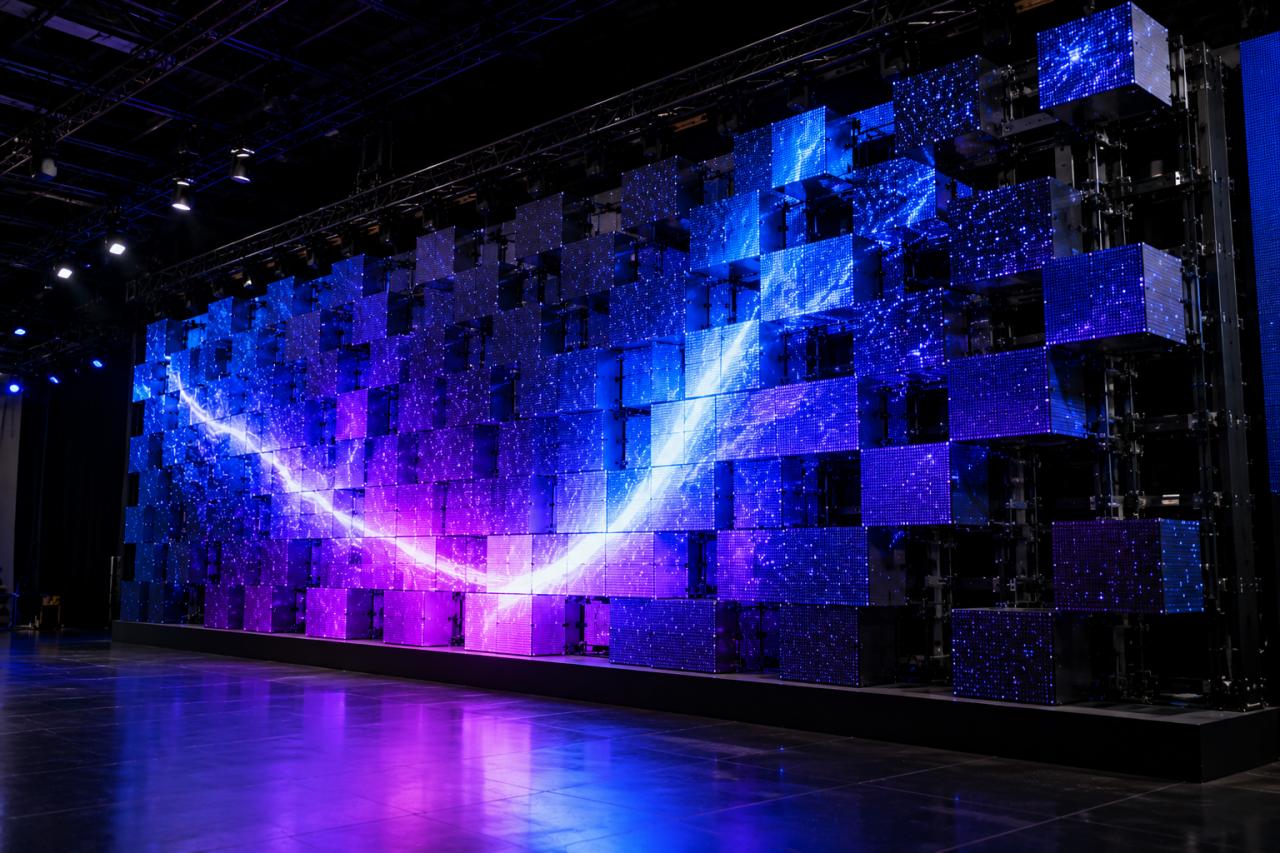
Test Content at Real Movement Speeds
Previewing video on a flat monitor cannot reveal every issue. Run the content on the assembled display and observe it from the intended audience areas. Look for unreadable text during movement, distracting seams, rapid direction changes and moments when the physical form hides important visual elements. Allow time to adjust both the motion curve and the media edit.
Protect Service Access and Operating Uptime
Service planning affects frame layout, surrounding finishes, and the daily schedule. Technicians need a safe route to motors, modules, controllers, connectors and wear components. Define the maintenance position, lockout method and access opening before architectural cladding is approved. Keep replaceable parts reachable without dismantling unrelated sections of the installation.
- Document inspection points and recommended check intervals for the approved system.
- Store spare modules and motion components in a labeled, accessible location.
- Record fault codes, corrective actions and changes to motion or content files.
- Recheck clearances after nearby ceiling, lighting or architectural work changes.
Use a Coordinated Approval Process Before Fabrication
A reliable approval package combines the site survey, motion envelope, load data, attachment design, cable route, control sequence, safety concept, service plan and content test method. Review the package with the display supplier, structural team, electrical team, controls team, content studio and venue operator. Resolve drawing conflicts before equipment reaches the site. For configuration context, review the JR Visual product details, then submit the space height, intended movement, viewing conditions, and load constraints for a project review. Base the final kinetic LED screen decision on a verified movement envelope, approved support design, defined safety response, and content tested with the real mechanism.