
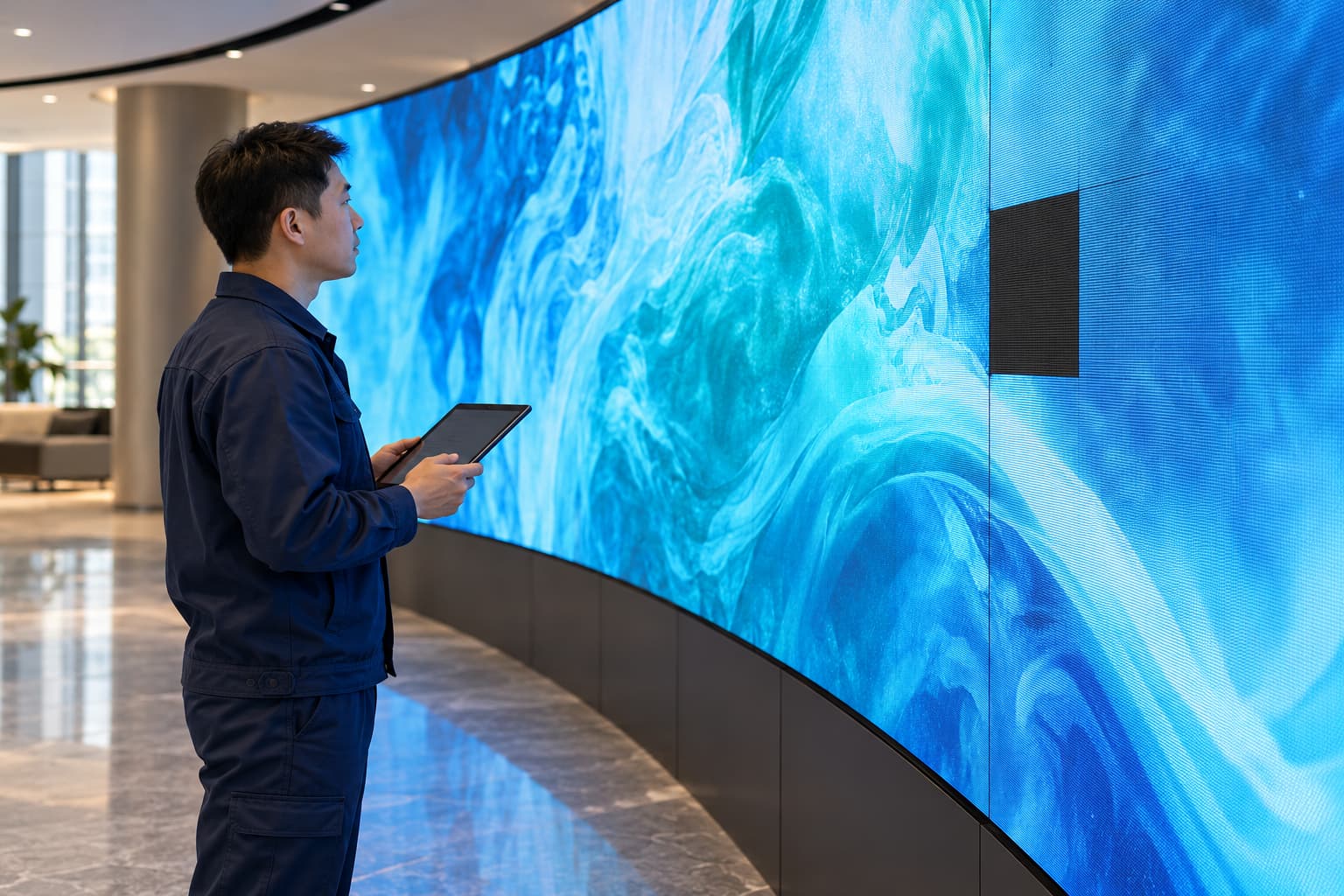
One section of a curved LED wall goes black while the rest keeps playing. A few pixels show the wrong color, or the image starts flickering during opening hours. Does the screen need professional repair, or can your own team restore it? You can usually check content, playback settings, and visible symptoms yourself. Physical servicing requires more preparation. Trained maintenance staff may be able to replace an approved module, while electrical faults and component-level repairs need qualified specialists.
The first step in flexible LED screen repair is separating a display fault from a playback, signal, or power problem. A flexible LED screen consists of connected modules and supporting electronics. A dark area alone does not tell you which part has failed.
Flexible LED Screen Troubleshooting Starts With the Fault Pattern
Before opening the display, record what happens and where. A clear fault description helps your supplier narrow the investigation and avoids unnecessary parts replacement.
Check the Playback Source First
Play a known working image or video. If only one file causes the problem, inspect the content and playback system before suspecting the screen hardware. Check the selected input, playback schedule, brightness setting, and blackout function. These settings can make a working display appear faulty. Avoid resetting the controller or loading an unfamiliar configuration. Save the current settings before any supplier-approved changes. An incorrect receiving-card configuration or screen map can introduce additional problems.
Identify the Affected Area
Take one photograph of the complete screen and another of the affected section. Note whether the problem covers a single module, several adjacent modules, or the entire display. Record when the fault appears. Does it start immediately, after the screen warms up, or only with certain content? Does the image look normal in person but show bands through a camera? These observations provide diagnostic clues. They do not prove that a particular component needs replacing.
Check for Recent Changes
Tell the support team about recent maintenance, controller changes, power interruptions, impact damage, or moisture exposure. If you notice smoke, a burning smell, exposed wiring, water ingress, or repeated breaker tripping, stop using the display. Do not keep restarting it to see if the problem disappears.
What Common Flexible LED Display Faults May Indicate
Similar symptoms can come from different parts of the system. Use the pattern to guide further checks rather than treating it as a confirmed diagnosis.
| Visible problem | Possible causes | What to do first |
|---|---|---|
| The entire screen is black | Missing input, playback settings, controller fault, or power-distribution issue | Check playback and controller status without opening electrical compartments |
| One module stays black | Local power, signal connection, adapter, or module fault | Photograph the location and ask the supplier for guided diagnosis |
| Several modules flicker | Signal instability, connection problems, power issues, or configuration | Record a video and note when the flickering begins |
| A row or column is missing | Connection or internal module-circuit fault | Arrange a module assessment |
| Individual pixels remain dark or show the wrong color | LED package or associated circuit fault | Request specialist testing |
| A replacement section looks brighter or changes color | Calibration, component, batch, or operating-age differences | Confirm replacement compatibility and calibration requirements |
A group of black modules may share an upstream fault. Replacing every affected module could leave the original problem unresolved.
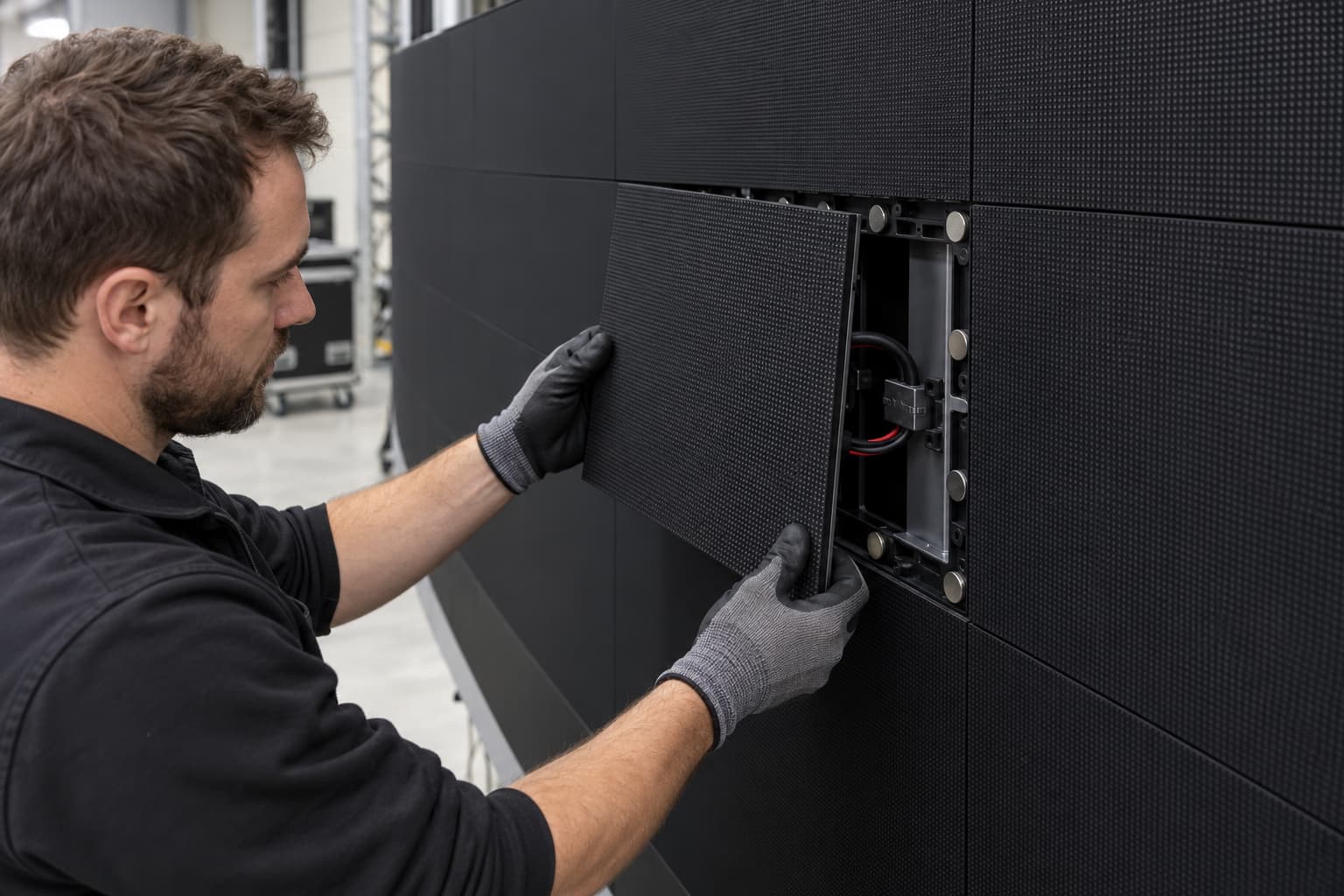
When Flexible LED Module Replacement Is a Practical Option
Module replacement can reduce disruption when the fault is localized and the supplier has confirmed the diagnosis. It still requires an approved spare, suitable access, and a maintenance team familiar with the installed system. Some screens use magnetic mounting to simplify servicing. For example, the iSoft indoor flexible LED module uses a magnetic design. The installation layout and the manufacturer’s instructions determine how to access and remove the module.
Before arranging replacement, confirm these conditions:
- The supplier has identified the correct replacement part.
- Your maintenance staff are trained for the task.
- The screen can be reached safely.
- The specified removal tools are available.
- The installation’s electrical isolation procedure can be followed.
- The team has instructions for alignment and post-replacement checks.
A software blackout or shutdown command does not isolate the electrical supply. OSHA’s guidance on control of hazardous energy explains why servicing procedures must address unexpected startup and stored energy. Follow the applicable site procedures and local requirements, with qualified personnel handling electrical isolation. Handle flexible modules within their specified mechanical limits. Do not pull them out by their cables, press on the LED surface, or bend them further to release a tight section. If a module resists removal, stop. A hidden fastener, cable restriction, or the wrong tool may be responsible.
Flexible LED Screen Repair Tasks That Need a Specialist
Replacing a complete serviceable module differs from repairing the electronics inside it. The second task requires diagnostic equipment and component-level repair skills.
Damaged LEDs and Driver Circuits
A dead pixel does not always identify the exact failed component. The LED package, solder connection, driver circuit, or another part of the module may be involved. Fine-pitch repairs require careful handling and the right equipment. Applying heat without the correct process can damage nearby components or the board. Avoid pressing, tapping, or heating the affected area as an improvised repair.
Torn or Cracked Flexible Circuit Boards
A damaged flexible PCB needs professional assessment. Repeated bending can worsen a cracked connection or tear. The repair provider should evaluate the damage, the module construction, and the reliability expected after repair. Extensive damage may make replacement the more practical option.
Power-Supply and Distribution Faults
Do not open power supplies, bypass protective devices, or test exposed live terminals without the appropriate qualifications. Faults affecting multiple modules may come from power distribution rather than the display surface. A qualified technician should identify the cause before replacement parts are fitted.
Water Ingress and Heat Damage
A moisture-damaged screen needs an assessment of both its electrical condition and the water-entry point. A dry exterior does not confirm that internal components are safe. Heat damage also requires investigation. Replacing a discolored connector or failed module will not prevent recurrence if the underlying connection or thermal problem remains.
How to Choose a Compatible Replacement LED Module
Matching the pixel pitch is only one part of selecting a replacement. A module can have the right physical size and still be electrically or visually incompatible. Provide the supplier with the original module label and purchase details. Ask them to confirm the following information.
| Compatibility item | What needs confirmation |
|---|---|
| Module dimensions | Width, height, thickness, and mounting positions |
| Pixel pitch and resolution | LED spacing and pixel arrangement |
| Electrical requirements | Supply requirements, connector type, and pin arrangement |
| Driver configuration | Driver IC, scan method, and receiving-card compatibility |
| Mechanical fit | Mounting method, cable clearance, and supporting frame |
| Curved installation | Permitted bend direction and minimum curve radius |
| Visual matching | LED characteristics, calibration data, and brightness or color adjustment |
Replacement modules may show visible differences because of manufacturing batches or operating history. Ask about calibration before purchasing, especially when the repaired section sits in a prominent viewing area. Keep the original configuration files and calibration records available. Don’t assume every replacement will work correctly without setup.

Repair or Replace: Compare Downtime and Reliability
The lowest component price does not always produce the lowest repair cost. Include access equipment, labor, transport, calibration, and lost operating time in the decision. Specialist repair may suit a module with limited damage. An approved replacement may restore service sooner when a compatible spare is available.
| Situation | Option to discuss with the supplier |
|---|---|
| A few damaged LEDs on an otherwise serviceable module | Component-level repair |
| Extensive board damage or damaged mounting features | Module replacement |
| An urgent failure with an approved spare in stock | Replacement, followed by assessment of the removed module |
| Repeated faults in the same section | Investigation of the underlying cause before further replacement |
Check the warranty terms before authorizing third-party work. Unauthorized repairs or modifications may affect coverage under the supplier’s policy. For a Flexible LED Display used in a store, exhibition, or other time-sensitive installation, ask about spare-module availability and service access before purchase. These details influence how quickly the screen can return to operation.
Prepare These Details Before Requesting Repair Support
A useful support request can shorten the first round of troubleshooting. Send enough information to show the fault without dismantling energized equipment.
Include:
- Screen model and module identification.
- Installation date and indoor or outdoor location.
- Full-screen and close-up photographs.
- A video of intermittent faults.
- The affected module positions.
- Controller model and recent setting changes.
- Any recent impact, moisture exposure, or electrical interruption.
- Details of available spare modules.
Photograph labels only where they are safely accessible. Do not remove live components to obtain a serial number. If you need help assessing the next step, contact JR Visual with these details. Describe what you have already checked so the support team can focus on the remaining possibilities.
You Can Check Basic Faults Yourself; Physical Repairs Require Training
You can inspect playback settings, record fault patterns, and gather information for technical support. These checks may identify a content or configuration issue without opening the screen. A trained maintenance team may replace a confirmed faulty module when the supplier approves the procedure and provides a compatible spare. LED soldering, damaged circuit boards, power faults, and moisture damage require professional assessment. Decide who should perform the work based on the fault, access conditions, electrical risks, and the manufacturer’s instructions. That decision helps protect surrounding modules and reduces the chance of repeating the same repair.