
Yes, you can usually adjust the brightness of a flexible LED screen through its compatible control system. The available controls depend on the controller, software and configuration supplied with the installation. Manual adjustment, timed changes and light-sensor control are separate functions, so buyers should confirm which ones their system supports. A screen that looks comfortable in a bright showroom may feel too intense after the room lights dim. Before changing the content or replacing equipment, check the approved brightness controls and assess the image under the actual viewing conditions.
How Flexible LED Screen Brightness Is Controlled
The flexible structure describes how the display follows a curved or custom surface. It does not identify the control functions available to the operator.
Brightness adjustment belongs to the complete display system. Ask the supplier which controller and software manage the screen, where the approved adjustment is located and who has permission to use it.
As one documented example, the NovaStar VX1000 controller manual describes manual brightness adjustment and automatic adjustment using a light sensor. Those functions apply to the documented equipment and configuration; they do not establish what every installation includes.
When comparing flexible LED displays, ask for control information alongside the module specification. Knowing the screen model alone does not tell an operator how to change its output.
Request a short demonstration before handover. Staff should be able to find the correct control, make an authorised adjustment and return to the accepted setting.
Why the Same Setting May Feel Different After Dark
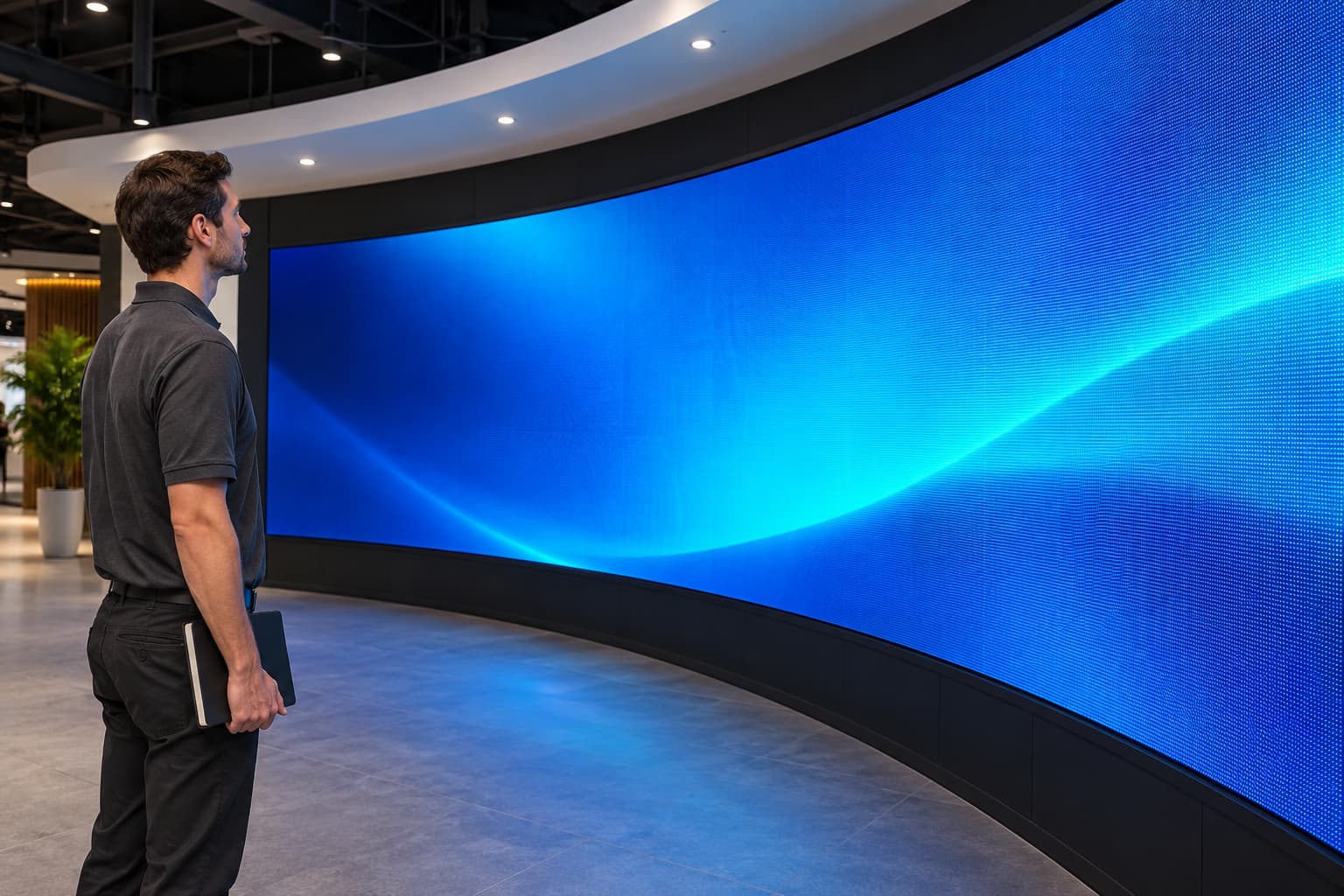
The surrounding space changes throughout the day. Daylight, shop lighting and the audience’s viewing position can all change how the image appears to a viewer.
Consider a retail screen near an entrance. During the day, visitors may see it alongside strong daylight. Later, the same content plays in a room with softer lighting, and staff may find the display more visually dominant.
Review the screen in both conditions. A setting approved during installation should have a clear reference, including the room lighting and content used for the check.
Avoid choosing a percentage simply because another venue uses it. Different equipment and environments require their own assessment.
For an indoor product such as the iSoft Indoor Flexible LED Module, discuss the intended installation environment with the supplier. Then assess the finished system where people will actually view it.
Choose Between Manual, Scheduled and Sensor-Based Adjustment
These methods solve different operating needs. Confirm their availability for the proposed hardware and software before making them part of the daily routine.
| Method | How the operator would use it | What to confirm |
|---|---|---|
| Manual adjustment | An authorised person changes the setting when needed | Control location, permissions and restoration procedure |
| Scheduled adjustment | The system applies agreed settings at defined times | Schedule support, time settings and operation after a restart |
| Light-sensor adjustment | A compatible system changes output using ambient-light readings | Required hardware, installation position and configuration |
| Approved presets | Staff select a previously agreed operating state | What each preset changes and how it interacts with other controls |
Manual adjustment may suit a space where staff already prepare the display before opening. A schedule may be worth discussing when the venue follows a predictable lighting routine.
Sensor-based control requires further confirmation. Ask what additional hardware the system needs and how the supplier will configure and test it.
Also ask which control takes priority. If staff make a manual change, they need to know whether a later schedule or automatic function will replace it.
Adjust the Setting Using Representative Content
Use the supplier’s instructions for the installed system. Avoid copying a menu sequence from a different controller or software version.
Before making a change, record the accepted starting setting and any active schedule or automatic mode. This gives the operator a reference if the result becomes difficult to judge.
Play material that represents normal use. Include the product images, text and backgrounds the venue expects to show rather than assessing only one promotional clip.
Make an authorised adjustment, then review the image from the main audience positions. Ask whether the message remains clear and whether the display fits the surrounding space.
Keep the content and room lighting consistent while comparing settings. Otherwise, the team may attribute a change in appearance to the wrong cause.
When the result meets the agreed requirements, document the selected setting and the conditions used for approval. Confirm how the supplied system retains or restores it.
More Brightness Does Not Automatically Mean Clearer Text
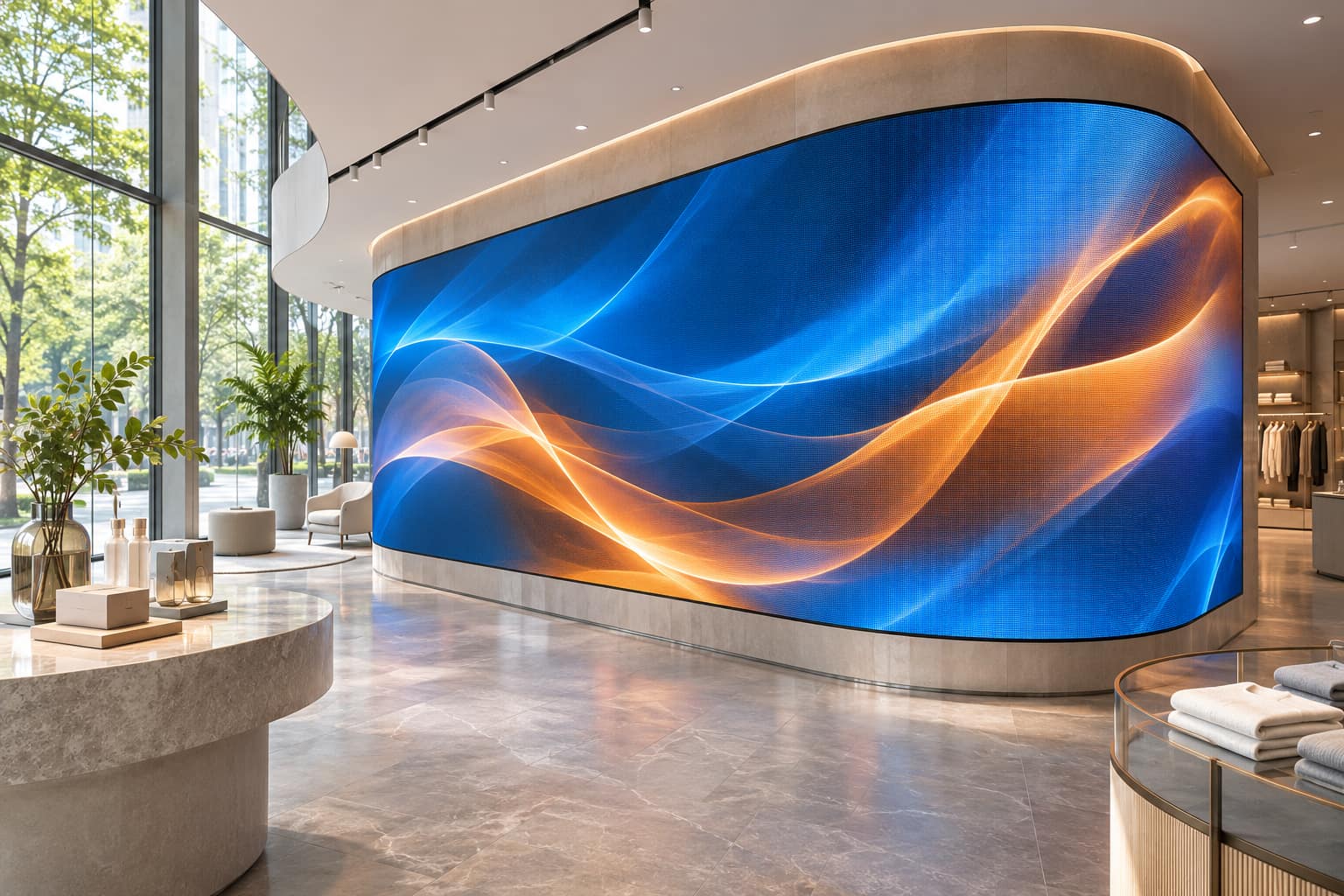
A display can look bright while still making small wording difficult to read. Brightness and text clarity require separate checks.
Ask whether the characters are large enough for the intended viewing positions. Review the finished resolution, type design, contrast and placement on the curved surface.
For example, a product name near the front of a column may be easier to assess than a sentence extending around its side. Increasing the output does not change where that sentence sits.
If wording remains difficult to read, use the considerations in displaying clear text on a flexible screen. Review the content and layout before treating brightness as the only adjustment.
Test the actual message. A colourful animation cannot establish whether a price, product description or directional instruction is readable.
Check Dark and Bright Content Before Approving a Preset
One video may not represent the full content library. Review several typical files before accepting a daily operating setting.
Include a brighter composition, a darker scene, photographs and any important text. Ask the supplier to help assess the result if detail or colour looks different from the approved reference.
Keep a known test file for later checks. When a new campaign appears unusually dark or intense, staff can compare it with that file before changing the whole display.
This helps distinguish a content-specific issue from a broader change. If only one file looks different, investigate that file and its playback path first.
For installations developed as part of creative LED solutions, include the full surface in the review. Check the intended viewing directions and how the imagery works across the form.
What If the Setting Changes Back by Itself?
Start by recording what changed and when it happened. Note the displayed brightness value, active content and operating mode without making repeated adjustments.
Ask whether the system has an active schedule, sensor function, preset or remote management arrangement. Confirm which authorised people or systems can change the output.
If the behaviour follows a restart or source change, include that detail in the support request. The supplier can use the sequence to investigate the installed configuration.
Avoid resetting the controller or loading an unfamiliar configuration simply to recover a preferred setting. Use the documented restoration process supplied for the project.
If one section looks different while the rest remains consistent, record its location and appearance. Ask support to assess the local issue before changing the entire screen’s brightness.
Confirm the Daily Controls Before Buying
Brightness adjustment is easier to manage when the buyer includes it in the enquiry. Describe the venue’s normal lighting conditions and explain who will operate the display.
For a flexible LED screen near a window, provide photographs showing the location at different operating times. For an exhibition, explain whether the lighting remains stable or changes during the programme.
Ask the supplier to confirm:
- The proposed controller and operating software.
- Which brightness-adjustment methods the supplied system supports.
- Any additional hardware needed for automatic operation.
- Who can change settings and how permissions work.
- How schedules, presets and manual changes interact.
- What happens after a restart.
- The demonstration and instructions included at handover.
Keep the answers with the quotation and configuration records. This makes it easier to compare systems on their intended use rather than a general claim that brightness is adjustable.
For a project-specific recommendation, share the site photographs, content examples, operating hours and audience positions. Ask the supplier to demonstrate the proposed controls under representative conditions.
A Flexible LED Screen Should Offer an Approved Setting for Its Space
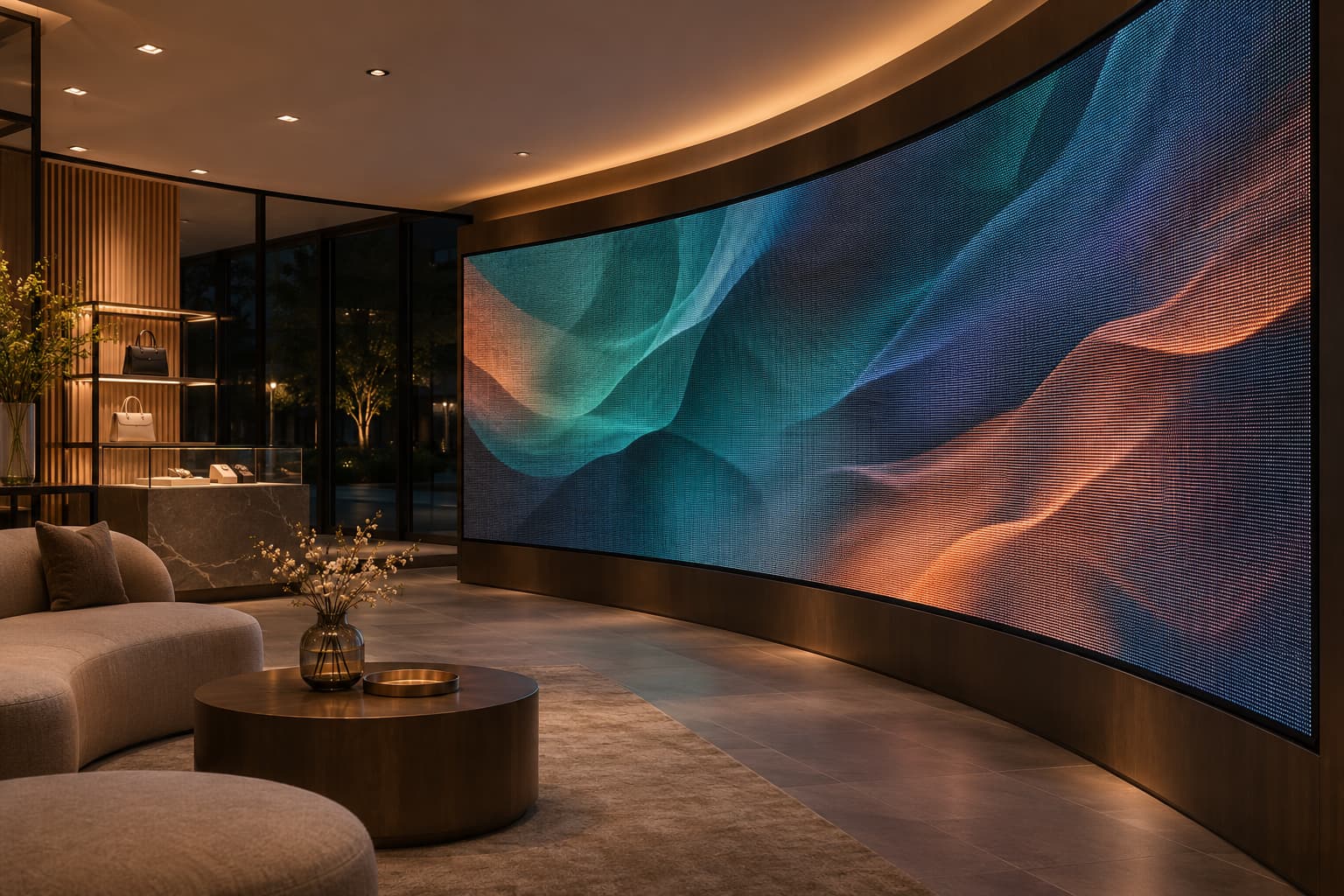
Adjustable brightness can help the display fit its environment, provided the supplied controls support the required operation. Confirm the functions, test representative content and keep a record of the accepted settings.
For everyday use, staff need a clear routine: identify the current mode, use the authorised control, check the image and restore a known setting when required.
The right setting is one the project team has assessed for the actual space. Approve it through viewing checks and documented operation rather than choosing a universal percentage.