
Sphere LED screen content can attract attention from almost every direction, but the same geometry makes conventional flat-screen planning unreliable. Pixel pitch, diameter, module segmentation, support points, content mapping, and audience position affect one another. A concept that looks correct in a flat preview may stretch at the poles, disappear behind the sphere, or break across service seams.
Sphere LED Screen Content Handoff
The content team needs the final active resolution, sphere diameter, pixel map, segment boundaries, content orientation, pole locations, seam positions, data-routing map, processor canvas, frame rate, playback format, viewing zones, and a physical test schedule. Without these files, artists may produce content that stretches at the poles, breaks across seams, or faces the wrong direction. The workflow below shows which inputs should be approved before final rendering begins.
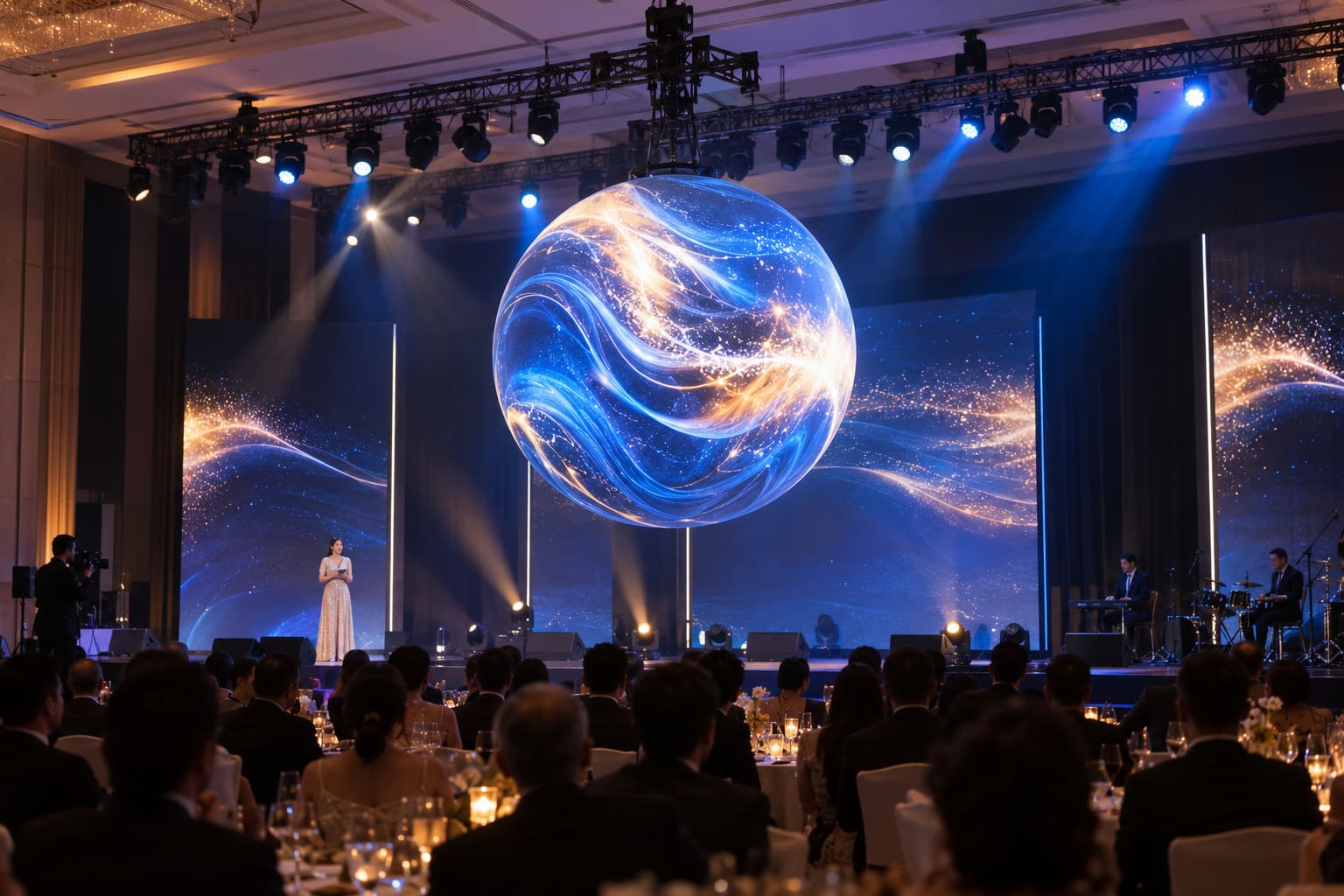
Viewing Zones for Sphere LED Screen Content
Mark where people enter, stop, circulate, and take photographs. Identify the closest and farthest viewing distances, dominant eye level, upper-level sightlines, and any locations hidden by architecture. Decide whether the audience will see a complete sphere, a suspended object above eye level, or only one principal hemisphere. These decisions affect diameter and pixel pitch. A larger sphere creates more visible surface but also requires more pixels, greater structure, additional power, and more complex access. A fine pixel pitch can improve close views, yet it increases processing load and may not add value to distant areas. Record the content objective. Brand loops, abstract motion, wayfinding, data art, and recognizable characters require different safe areas and viewing times.
Serviceable Segments for Sphere LED Screen Installation
A practical sphere uses repeated structural and display segments. Buyers comparing non-standard structures can first review the Creative LED Display to understand where spherical formats fit. Review how each segment controls curvature, module position, seam width, and alignment. The design should limit visible steps without creating parts that cannot be transported, installed, or replaced.
Check:
- Overall diameter and maximum dimensional tolerance
- Segment size, weight, and connection method
- Module shape, orientation, and replacement path
- Frame stiffness and alignment references
- Cable routes and strain relief
- Power and data distribution
- Internal ventilation and heat paths
- Surface access and service clearances
Rental projects should also compare transport and repeated-build requirements with the LED screen rental.
For a suspended installation, the building structure, support system, lifting method, secondary safety measures, and access plan require review by qualified professionals. U.S. project teams can also consult the OSHA rigging equipment requirements while applying the engineered plan, local rules, and manufacturer instructions. A floor-mounted sphere needs a stable base, anti-tip design, guarded access, and protection from public contact.
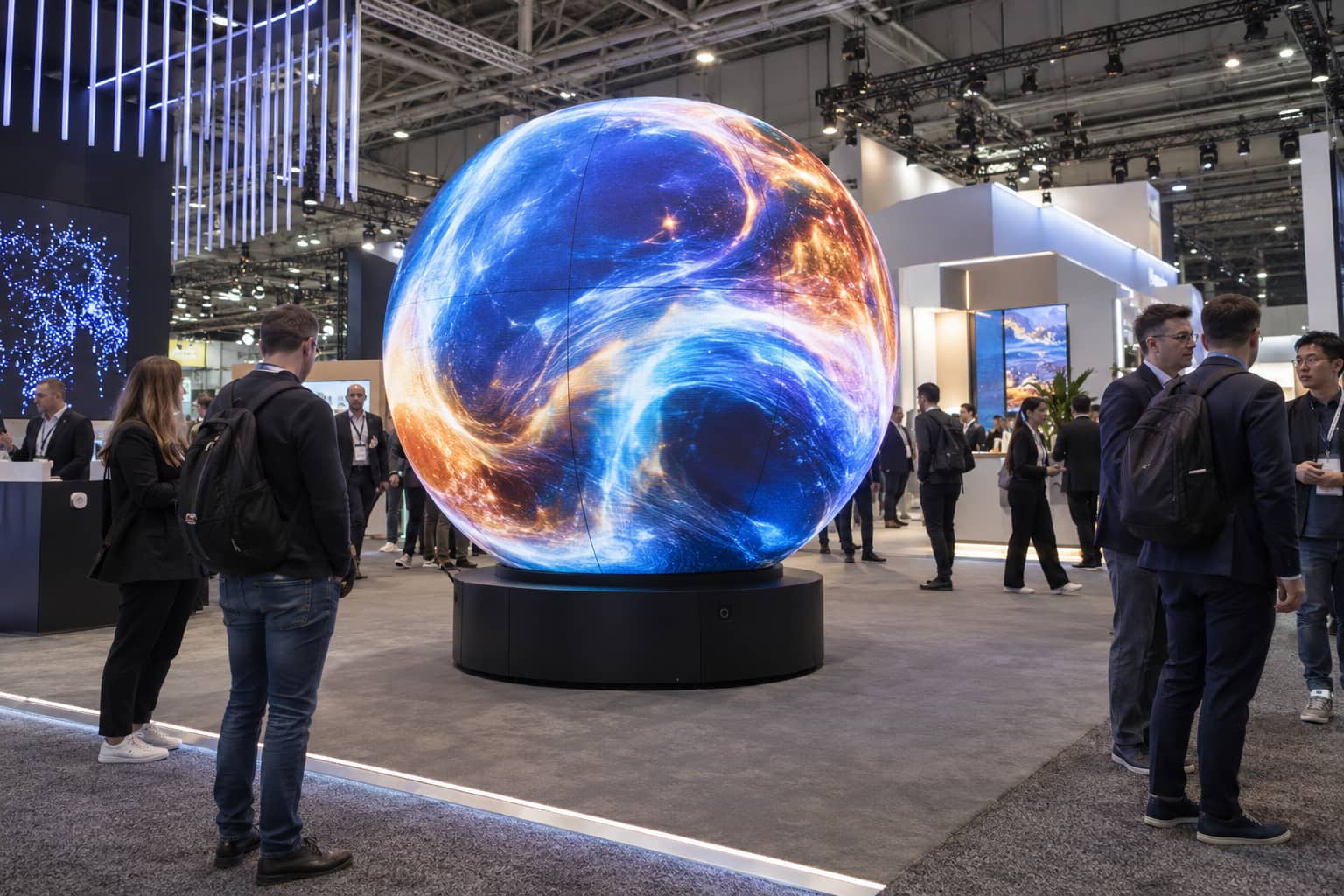
Curved Pixel Maps for Sphere LED Screen Content
Request the final pixel map before producing finished content. For projects that combine several custom shapes, the creative lighting solutions led provide a related planning route. The media team needs the exact canvas, segment boundaries, orientation, data routing, and seam locations. A generic equirectangular preview does not prove that the rendered content will look correct on the installed sphere. Review the available structure and installation options through LED Sphere while keeping the article focused on the content workflow. Plan important objects within safe viewing areas. Faces, logos, and text can distort as they move toward the poles or around the rear surface. Large, simple forms and continuous motion often work better than small copy. If text is required, test its size, orientation, dwell time, and visibility from the primary audience zone.
Use content tests for:
| Test | What to inspect |
| Latitude lines | Stretching and pole compression |
| Longitude lines | Segment alignment and orientation |
| Moving grid | Data order and discontinuities |
| Solid colors | Module uniformity and seams |
| Gradients | Calibration and low-level banding |
| Real program loop | Readability, pacing, and viewing comfort |
Processing for Sphere LED Screen Content
Document the controller, receiving-card layout, cabinet or segment addresses, backup strategy, and maximum supported canvas. Confirm how the system handles unusual row lengths and non-rectangular surfaces. Power and data zones should follow serviceable boundaries. A single failure should not turn troubleshooting into a full disassembly. Label cables and addresses so technicians can locate a segment from the control system and the physical access point. Test startup, shutdown, signal loss, recovery, and emergency behavior. If the installation is part of a timed show, verify synchronization with lighting, audio, sensors, or show control under the final operating workflow.
Rigging and Access for Sphere LED Screen Maintenance
Define total display, frame, cabling, and accessory weight. Add the approved rigging hardware and maintenance loads. Structural capacity, suspension points, wind or movement exposure, and access methods must be evaluated for the site. Maintenance should influence the frame before fabrication. Confirm how a technician reaches the power supplies, receiving cards, and modules; how a failed part is removed; where tools are restrained; and whether surrounding equipment must be dismantled.
Record electrical load by circuit, connector type, cable route, earthing, distribution protection, and thermal limits. Measure real consumption with representative content instead of relying only on maximum nameplate figures.
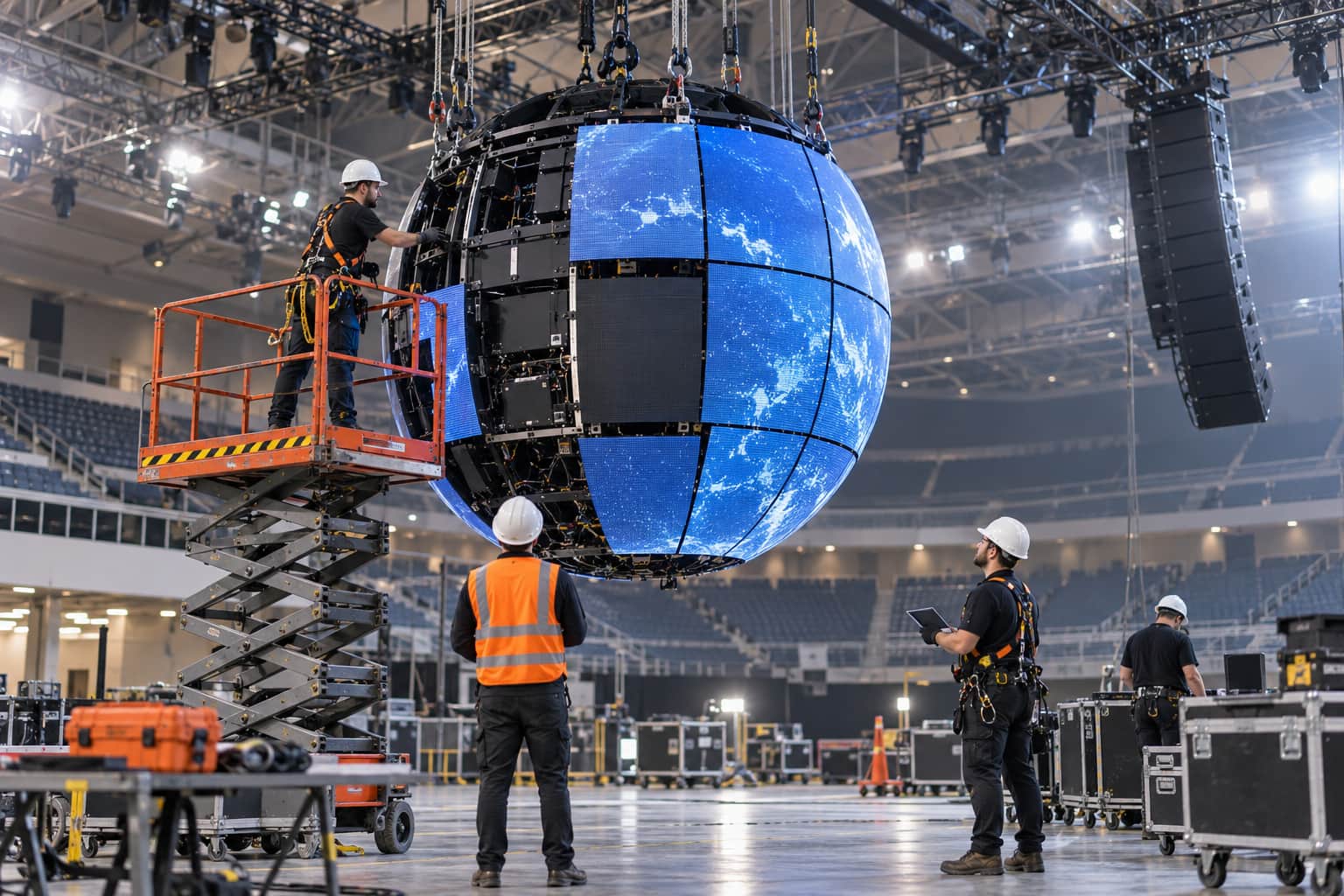
Acceptance Tests for Sphere LED Screen Installation
Approve the system with the final or representative sphere, not only a desktop simulation. View test material from the planned audience zones. Check content orientation, polar distortion, seam continuity, brightness, color, reflections, and camera appearance where photography or broadcast matters. The acceptance record should include the final pixel map, controller file, calibration version, content files, test pattern results, viewing positions, brightness setting, environmental conditions, and remaining corrections. Send JR Visual the required diameter, installation method, venue drawings, viewing zones, audience distance, content type, operating hours, and service restrictions. The team can use these inputs to assess the sphere structure and content workflow.
Sphere LED Screen Content Questions
What is the most important file for content production?
The most important file is the approved native pixel map. It should show the exact active pixels, segment boundaries, orientation, masked areas, seam locations, and content safe zones used by the final controller configuration.
Can standard 16 by 9 video be reused?
It can be played, but it will usually look distorted or poorly framed unless it is adapted to the sphere pixel map. Important text, logos, faces, and product details should be placed inside tested safe areas.
When should the content team receive the template?
The content team should receive the approved template before final animation begins. Any later change to cabinet layout, pixel mapping, orientation, or processor configuration can invalidate previously approved content.
What should a buyer request before content approval?
Request the native pixel map, physical drawings, controller mapping, content template, test patterns, playback specifications, calibration information, and the final acceptance procedure.